디스플레이 결함
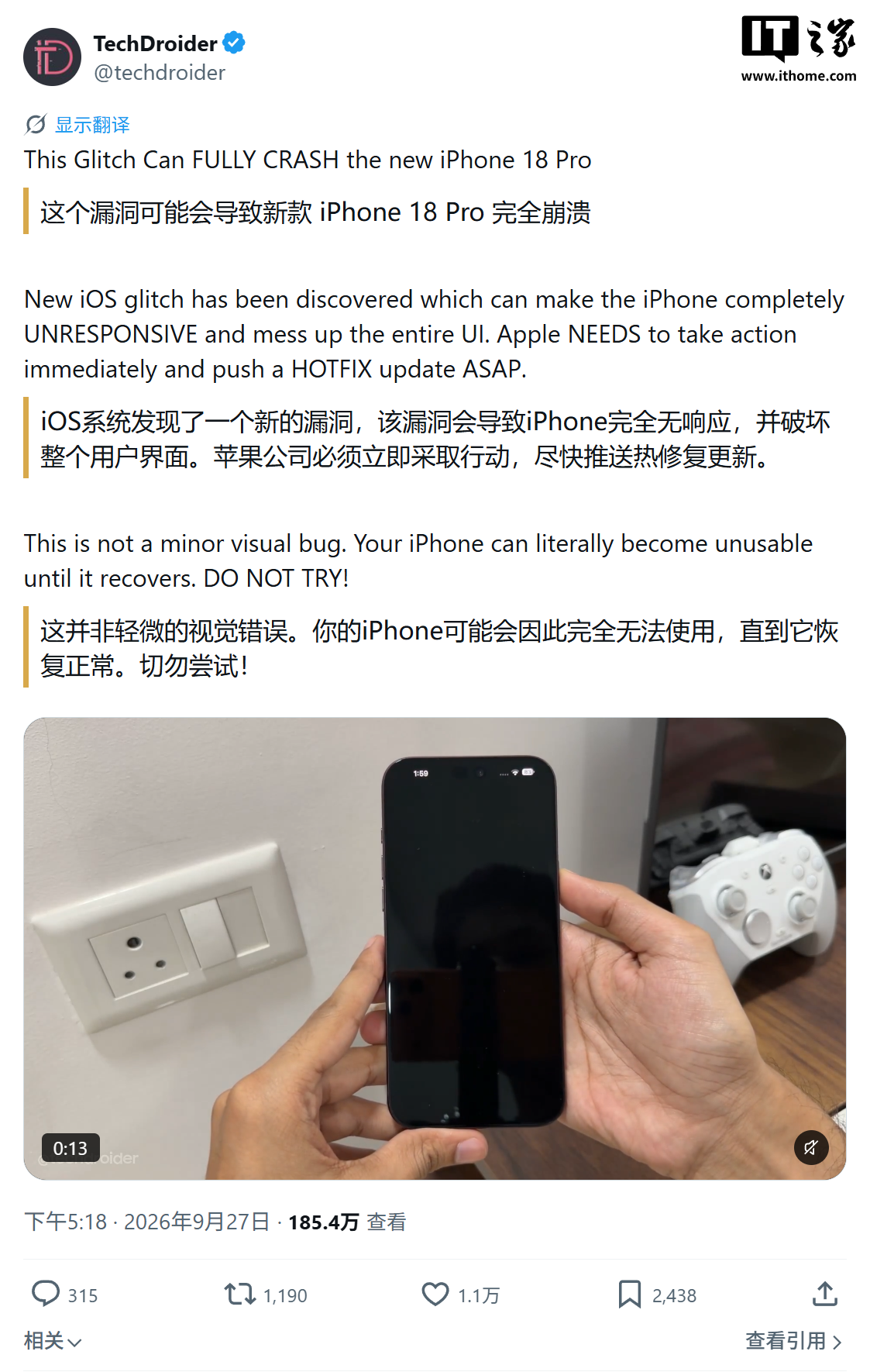
iOS 27.0.1 업데이트에서 "알림 센터와 제어 센터를 동시에 열면 터치스크린이 응답하지 않을 수 있는" 문제가 수정된 후, TechDroider 등 해외 IT 매체들은 iPhone 18 Pro 및 iPhone 18 Pro Max에서 또 다른 디스플레이 결함이 발견되었다고 지적했습니다.
사용자 피드백에 따르면, iPhone 18 Pro 및 iPhone 18 Pro Max의 홈 화면에서 앱 아이콘을 길게 눌러 편집 모드로 진입한 후, 한 손가락으로 홈 화면의 위젯을 드래그하고, 이어서 페이지 컨트롤(화면 하단에 현재 화면을 나타내는 작은 점)을 탭하면 문제가 발생합니다. 이후 특정 페이지로 다시 진입하면 이 문제가 트리거됩니다.
현재 이 문제는 iPhone 18 Pro 및 iPhone 18 Pro Max에 집중되어 있습니다. 또한, 사용자 피드백에 따르면 iOS 27으로 업데이트된 iPhone 17 시리즈에서는 위와 같은 조작을 수행해도 문제가 재현되지 않았습니다.
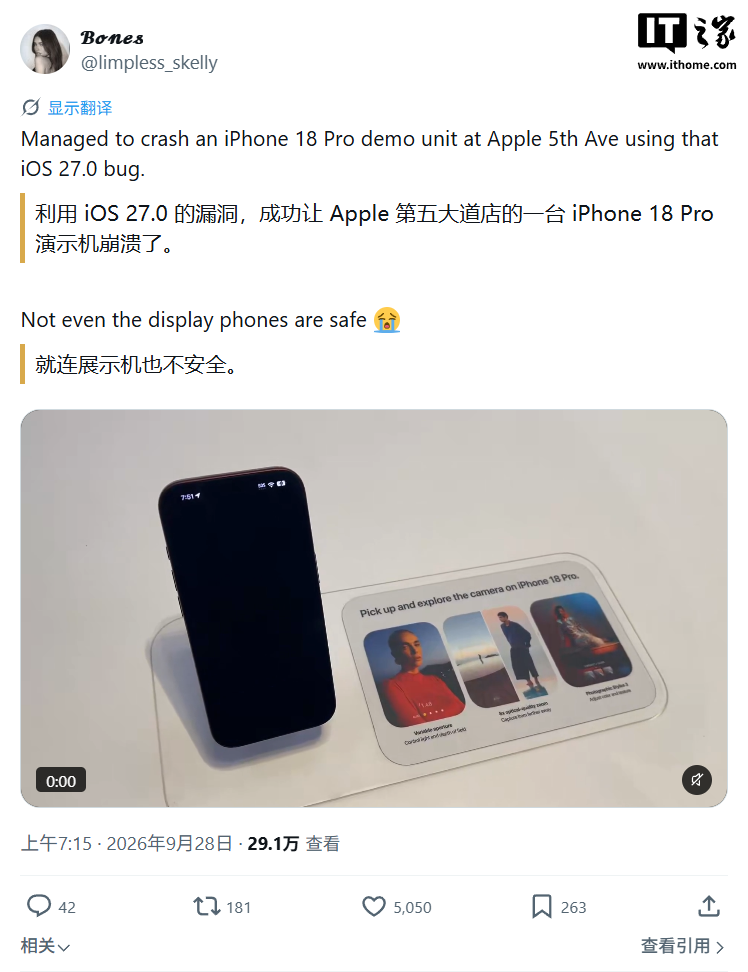
일부 네티즌은 Apple 미국 5번가 Apple Store 오프라인 체험존에서 테스트한 결과, 해당 문제가 성공적으로 재현됨을 확인했습니다. X(구 트위터) 플랫폼에서도 여러 사용자가 문제 재현에 성공했다고 보고했습니다.
총평
iOS 27.0.1 업데이트 이후에도 iPhone 18 Pro 및 iPhone 18 Pro Max에서 새로운 디스플레이 결함이 발견되었습니다. 이 문제는 홈 화면에서 위젯을 드래그하고 페이지 컨트롤을 탭할 때 발생하며, iPhone 17 시리즈에서는 재현되지 않는 것으로 보아 iPhone 18 Pro 모델에 국한된 문제일 가능성이 있습니다.
iOS系统更新与已知问题
在用户反馈的最新信息中,虽然 iOS 27.0.1 版本已修复了“同时打开通知中心和控制中心可能会导致触摸屏无响应”的问题,但海外科技媒体指出,新一代设备上仍存在另一个显示故障。
新增的屏幕操作故障细节
该问题被定位为在特定机型的主页面上触发的显示故障。根据用户反馈复现的操作流程如下:
- 在 iPhone 18 Pro 或 iPhone 18 Pro Max 的主页面长按 App 图标,进入编辑状态。
- 使用一根手指拖动主屏幕上的某个小组件(widget)。
- 随后点击页面指示器(Page Control,即底部的小圆点),再次切换到另一个页面后,即可触发该显示故障。
影响范围与受影响机型
目前确认存在此问题的设备主要集中在以下型号:
- iPhone 18 Pro
- iPhone 18 Pro Max
值得注意的是,用户反馈显示,升级到 iOS 27 的 iPhone 17 系列手机执行上述操作时,并未复现此故障。
问题复现的验证渠道
该故障已通过多个渠道得到确认和复现:
- 有网友在 Apple 美国第五大道(Fifth Avenue)的线下体验区成功测试并复现了该问题。
- IT之家查询 X 平台,亦有多名用户反馈成功进行了复现操作。
总结
本次发现的问题聚焦于 iPhone 18 Pro 和 iPhone 18 Pro Max 的主屏幕编辑和小组件拖动流程中,存在一个特定的显示故障。尽管 iOS 27.0.1 已修复了通知中心与控制中心的无响应问题,但此新故障仍需关注。目前有证据表明,该问题主要影响于尚未发布的旗舰机型,而 iPhone 17 系列在升级后则未受此影响。
ディスプレイの不具合
iOS 27.0.1へのアップデートにより、「通知センターとコントロールセンターを同時に開くとタッチスクリーンが応答しなくなる」問題が修正された後、TechDroiderなどの海外ITメディアは、iPhone 18 ProおよびiPhone 18 Pro Maxにおいて別のディスプレイの不具合が発見されたと指摘しました。
ユーザーからのフィードバックによると、この不具合は以下の操作を行うことで発生します。
- ホーム画面でアプリのアイコンを長押しし、「編集モード」に入ります。
- 指一本でホーム画面上のウィジェットをドラッグします。
- 続いて「ページコントロール」(画面下部に現在の画面を示す小さな点)をタップします。
その後、特定のページに再入することでこの問題が誘発されるとのことです。
現在、この問題はiPhone 18 ProおよびiPhone 18 Pro Maxに集中していることが確認されています。また、ユーザーのフィードバックでは、iOS 27にアップデートされたiPhone 17シリーズでは、上記のような操作を行っても問題が再現されなかったと報告されています。
一部のネットユーザーは、Appleの米国5番街にある実店舗(Apple Store)でテストした結果、当該の問題を正常に再現できることを確認しました。X(旧Twitter)プラットフォーム上でも、複数のユーザーが問題の再現に成功したと報告しています。
総評
iOS 27.0.1へのアップデート後も、iPhone 18 ProおよびiPhone 18 Pro Maxにおいて新たなディスプレイの不具合が発見されました。この問題は、ホーム画面でウィジェットをドラッグし、ページコントロールをタップする特定の操作手順で発生することが確認されています。
特に、iOS 27にアップデートされたiPhone 17シリーズでは再現されていないことから、本件はiPhone 18 Proモデルに限定された可能性が高いと見られています。
まとめ
iOS 27.0.1のアップデート後も、iPhone 18 ProおよびiPhone 18 Pro Maxで新たなディスプレイ不具合が報告されました。この問題は、ホーム画面でのウィジェット操作後にページコントロールをタップする手順で発生します。再現性がiPhone 17シリーズで見られないことから、iPhone 18 Proモデルに特有のバグである可能性が高いと結論付けられています。
Display Defect
Following a fix in iOS 27.0.1 that resolved an issue where "the touchscreen might become unresponsive when opening the Notification Center and Control Center simultaneously," international IT media outlets like TechDroider pointed out another display defect found on the iPhone 18 Pro and iPhone 18 Pro Max.
According to user feedback, the problem occurs on the home screen of the iPhone 18 Pro and iPhone 18 Pro Max when performing a specific sequence of actions:
- Long-pressing an app icon to enter edit mode.
- Dragging a widget on the home screen with one finger.
- Tapping Page Control (the small dots at the bottom of the screen indicating the current page).
The issue is then triggered again when navigating back to a specific page.
Currently, this problem is concentrated on the iPhone 18 Pro and iPhone 18 Pro Max. Furthermore, user feedback indicated that the same operations did not reproduce an issue on the iPhone 17 series after updating to iOS 27.
Some internet users confirmed the successful reproduction of this defect while testing at Apple's offline experience zone in a 5th Avenue Apple Store in the US. Multiple users also reported successfully reproducing the problem on the X platform (formerly Twitter).
Overall Assessment
A new display defect has been discovered on the iPhone 18 Pro and iPhone 18 Pro Max, even after the iOS 27.0.1 update. The issue occurs when users drag widgets on the home screen and subsequently tap Page Control. Since this problem did not reproduce on the iPhone 17 series, it suggests that the defect may be limited to the iPhone 18 Pro model.
Summary
International tech media reports a new display defect found on the iPhone 18 Pro and iPhone 18 Pro Max following the iOS 27.0.1 update. The bug is triggered when users drag home screen widgets while in edit mode and then tap Page Control. Crucially, this issue was not observed or reproduced on the iPhone 17 series, suggesting a potential hardware or software limitation specific to the iPhone 18 Pro model.