OneDrive Photos 관련 이슈
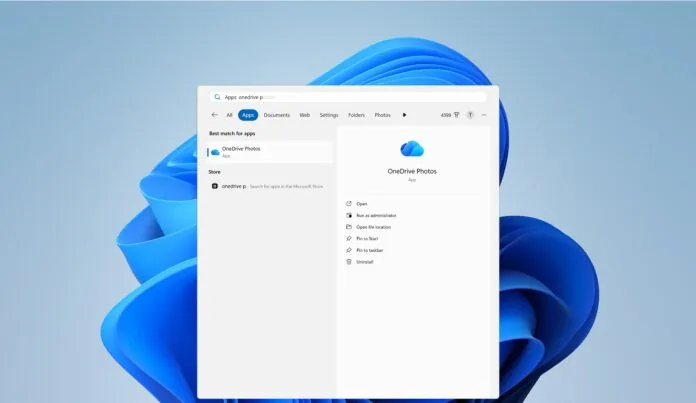
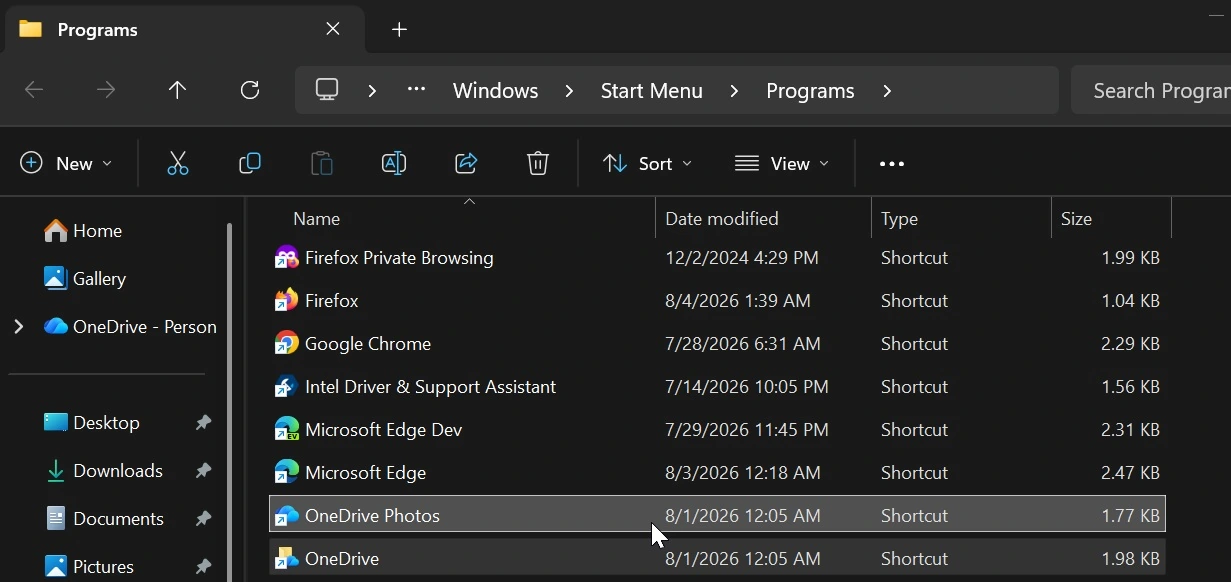
IT소식에 따르면, 기술 매체 Windows Latest가 어제(8월 4일) OneDrive Photos의 바로가기를 삭제하는 스크립트를 공유했습니다.
기술적 배경
해당 매체는 OneDrive Photos가 일반적인 Microsoft Store 또는 MSIX 패키지 형태가 아니라, 기존 Microsoft OneDrive 설치 폴더 내에 OneDrive.App.exe 형식으로 설치된다고 밝혔습니다.
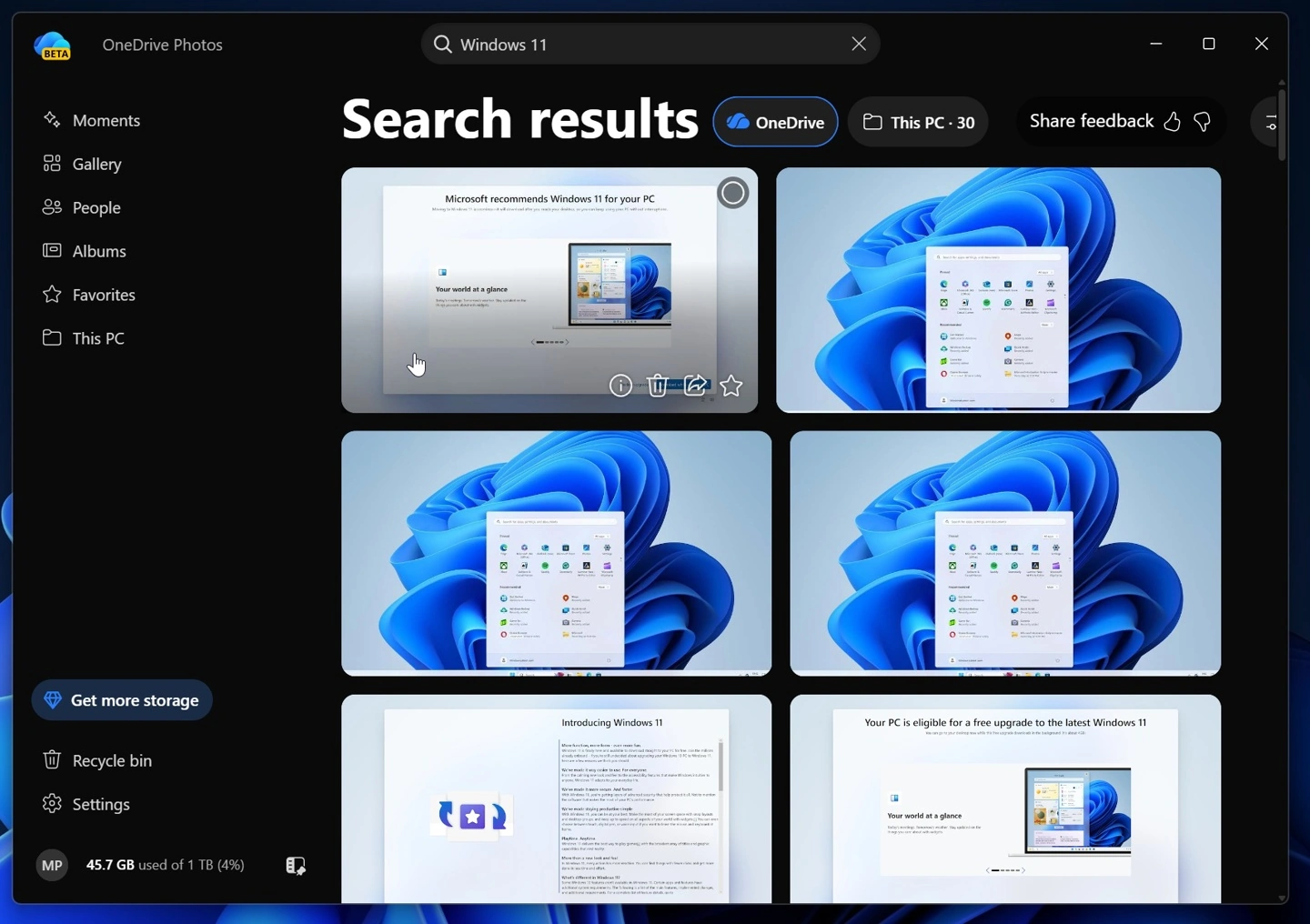
IT소식은 이전에 Microsoft가 Windows Update 또는 Windows용 OneDrive 애플리케이션을 통해 'OneDrive Photos'라는 사진 애플리케이션을 조용히 배포했다고 보도한 바 있습니다.
삭제의 어려움
해당 매체의 후속 보도에 따르면, 사용자가 OneDrive Photos 애플리케이션을 강제로 삭제하더라도 OneDrive가 설치된 기기에서는 Microsoft가 이를 다시 다운로드하고 설치합니다.
현재 OneDrive를 완전히 제거하지 않고 OneDrive Photos 애플리케이션만 제거하는 방법은 없으며, Microsoft Store 정책이나 Windows 11 그룹 정책(Group Policy)을 통해서도 제거할 수 없습니다. 현재 가장 좋은 해결책은 스크립트를 통해 바로가기를 삭제하여 컴퓨터에 표시되지 않도록 하는 것입니다.
사용자 반응
이러한 조치는 많은 사용자의 불만을 불러일으켰으며, 한 IT 관리자는 다음과 같이 분노를 표했습니다.
"Microsoft는 정말 독단적으로 행동하고 있습니다. 우리는 Intune을 통해 수백 대의 PC를 관리하고 있는데, 모든 컴퓨터의 시작 메뉴에 새로운 OneDrive Photos 옵션이 나타났습니다. 그들은 조직 내부 곳곳에 지저분한 애플리케이션이 깔려 있는 것을 원치 않는다는 사실을 왜 이해하지 못하는 걸까요?"
"이 애플리케이션은 Entra 계정과 호환되지 않으며, OneDrive를 완전히 제거하지 않는 한 삭제할 수 없습니다."
"Microsoft가 우리가 OneDrive를 포기하기를 바라는 것이 아니라면(이것이 미끼인 경우), Microsoft 서비스 약정(MSA)이 없는 기기에 이를 강제로 설치하는 이유를 이해할 수 없습니다."
총평
Microsoft가 OneDrive Photos 앱을 강제적으로 배포하면서 사용자 및 관리자들의 불만이 커지고 있습니다. 현재 시스템 정책으로 제거가 어렵기 때문에 스크립트를 활용해 바로가기를 삭제하는 방식이 대안으로 제시되고 있습니다.
OneDrive Photos 推送争议
微软近期通过 Windows Update 或 OneDrive 应用程序静默推送名为 "OneDrive Photos" 的照片应用程序。由于该应用在许多用户的设备上自动出现,引发了广泛关注。
技术特性与卸载难题
由于 OneDrive Photos 的特殊安装机制,目前难以通过常规手段彻底移除:
- 并非标准的 Microsoft Store 或 MSIX 程序包形式。
- 以 "OneDrive.App.exe" 形式存在于现有的 Microsoft OneDrive 安装文件夹中。
- 即便用户手动卸载,只要设备上仍保留 OneDrive 应用,微软就会自动重新下载并安装该程序。
目前无法通过 Microsoft Store 策略或 Windows 11 组策略进行彻底卸载,目前的最佳解决方案是使用脚本来删除相关的快捷方式以避免其在系统中显示。
IT 管理员反馈
此举引发了 IT 管理员的强烈不满。主要问题包括:
- 该应用会自动出现在大量受管理的设备开始菜单中,破坏了组织的软件环境一致性。
- 该应用程序无法兼容 Entra 账户。
- 除非彻底卸载整个 OneDrive 服务,否则无法移除该组件。
总结
微软强制推送的 OneDrive Photos 因其特殊的安装方式导致难以通过标准策略进行彻底卸载,引发了 IT 管理员的强烈不满。目前用户只能通过脚本删除快捷方式来规避该应用在界面上的显示。
OneDrive Photosに関する問題
ITニュースによると、技術メディアのWindows Latestが昨日(8月4日)、OneDrive Photosのショートカットを削除するためのスクリプトを公開しました。
技術的な背景
同メディアは、OneDrive Photosが一般的なMicrosoft StoreやMSIXパッケージの形式ではなく、既存のMicrosoft OneDriveインストールフォルダ内に「OneDrive.App.exe」という形式でインストールされることを明らかにしました。
ITニュースは以前、MicrosoftがWindows UpdateまたはWindows用OneDriveアプリケーションを通じて、「OneDrive Photos」という写真アプリケーションを密かに配布したと報じたことがあります。
削除の難易度
同メディアの続報によると、ユーザーがOneDrive Photosアプリケーションを強制的に削除しても、OneDriveがインストールされているデバイスではMicrosoftによって再ダウンロードおよび再インストールが行われます。
現在、OneDrive自体を完全に削除せずにOneDrive Photosアプリケーションのみを削除する方法はなく、Microsoft StoreのポリシーやWindows 11のグループポリシー(Group Policy)を通じても削除することはできません。現時点で最も有効な解決策は、スクリプトを使用してショートカットを削除し、コンピュータ上で表示されないようにすることです。
ユーザーの反応
この措置は多くのユーザーから不満を呼び起こしており、あるIT管理者は次のように憤りを表明しています。
「Microsoftは非常に独断的な行動をとっています。私たちはIntuneを通じて数百台のPCを管理していますが、すべてのコンピュータのスタートメニューに新しいOneDrive Photosのオプションが表示されました。組織内のあちこちに不要なアプリケーションがインストールされることを望んでいないという事実を、なぜ理解できないのでしょうか?」
「このアプリケーションはEntraアカウントと互換性がなく、OneDriveを完全に削除しない限り削除できません。」
「Microsoftが私たちがOneDriveを諦めることを望んでいるのでなければ(これが罠である場合)、Microsoftサービス契約(MSA)のないデバイスにこれを強制的にインストールする理由がわかりません。」
総評
MicrosoftがOneDrive Photosアプリを強制的に配布したことで、ユーザーおよび管理者の不満が高まっています。現在、システムポリシーによる削除が困難なため、スクリプトを活用してショートカットを削除する手法が代替案として提示されています。
まとめ
Microsoftが「OneDrive Photos」を強制的に配布しており、これが組織内の管理において問題となっています。現在の仕様ではシステムポリシーによるアプリの削除が困難なため、スクリプトを用いてショートカットを非表示にする方法が現実的な回避策とされています。
OneDrive Photos Issues
According to recent reports, tech outlet Windows Latest shared a script on August 4th designed to remove shortcuts for "OneDrive Photos."
Technical Background
The publication noted that OneDrive Photos is not installed as a standard Microsoft Store or MSIX package. Instead, it is integrated into the existing Microsoft OneDrive installation folder in the form of OneDrive.App.exe.
Previous reports indicated that Microsoft quietly deployed this photo application through Windows Update or the native OneDrive app for Windows.
Challenges in Removal
Follow-up reports indicate that even if a user forces the removal of the OneDrive Photos application, it is automatically re-downloaded and reinstalled on any device where OneDrive remains installed. Currently, there is no method to remove only the OneDrive Photos app without completely uninstalling OneDrive. Furthermore, it cannot be removed through Microsoft Store policies or Windows 11 Group Policies.
The most viable solution currently available is using a script to delete the shortcuts so they no longer appear on the user's system.
User Reactions
These actions have sparked significant frustration among users. One IT administrator expressed their frustration as follows:
"Microsoft is acting very arbitrarily. We manage hundreds of PCs through Intune, and the new OneDrive Photos option appeared in the Start menu on every single computer. Why don't they understand that we don't want cluttered applications scattered throughout our organization?"
The administrator further noted:
- The application is not compatible with Entra accounts.
- It cannot be removed unless OneDrive is completely uninstalled.
- If Microsoft's goal isn't to force users to abandon OneDrive, it is unclear why they are forcing the installation on devices without a Microsoft Service Agreement (MSA).
Conclusion
As Microsoft pushes the mandatory deployment of the OneDrive Photos app, frustration among both end-users and administrators is growing. Because system policies do not provide a way to remove the application specifically, using scripts to hide shortcuts has become the primary workaround.
Summary
Microsoft's forced integration of the "OneDrive Photos" app has caused significant friction for IT administrators due to its inability to be removed via standard Group Policies or Microsoft Store settings. Because the app automatically reinstalls unless OneDrive is completely removed, users are currently forced to use scripts to hide the application's shortcuts from their systems.