서론
블룸버그의 마크 거먼(Mark Gurman)은 오늘(6월 6일) 블로그 게시물을 통해 Apple iOS 27 시스템이 가져올 다양한 새로운 기능들을 상세히 정리했습니다.
거먼의 게시물에 따르면, 이번 iOS 27 시스템 업그레이드는 주로 Siri와 Apple Intelligence 기능 확장에 중점을 둡니다. 하지만 Apple은 동시에 사용 빈도가 높은 일부 시스템 앱을 조정하여 AI 기능을 인터페이스, 상호 작용 및 사진 처리 경험으로 확장할 예정입니다.
Find My 앱
- Apple은 iOS 27에서 Find My 앱의 시각적 경험을 업그레이드할 예정입니다.
- 하단 내비게이션 탭 바 아이콘을 포함한 다양한 요소들이 업데이트될 것입니다.
사진 앱
- 사진 앱은 Clean Up 기능을 강화하여 사진 정리 및 보정 기능을 지속적으로 강화할 것입니다.
- 이를 통해 사용자는 서드파티 앱에 대한 의존도를 줄이고 시스템 기본 앱 내에서 더 많은 이미지 처리를 완료할 수 있습니다.
거먼은 또한 Apple이 자연어 프롬프트 기반의 사진 편집 기능을 테스트하고 있다고 밝혔습니다. 사용자는 앞으로 음성이나 텍스트를 통해 시스템에 직접 "사진 자르기" 또는 "색상 조정"을 지시할 수 있으며, 사진 앱은 이 지시에 따라 편집을 완료할 것입니다. 이 기능은 iOS 27의 첫 번째 버전에는 포함되지 않을 수 있습니다.
시스템 인터페이스
- iOS 27은 수신 전화 알림에 새로운 애니메이션 효과를 추가할 것입니다.
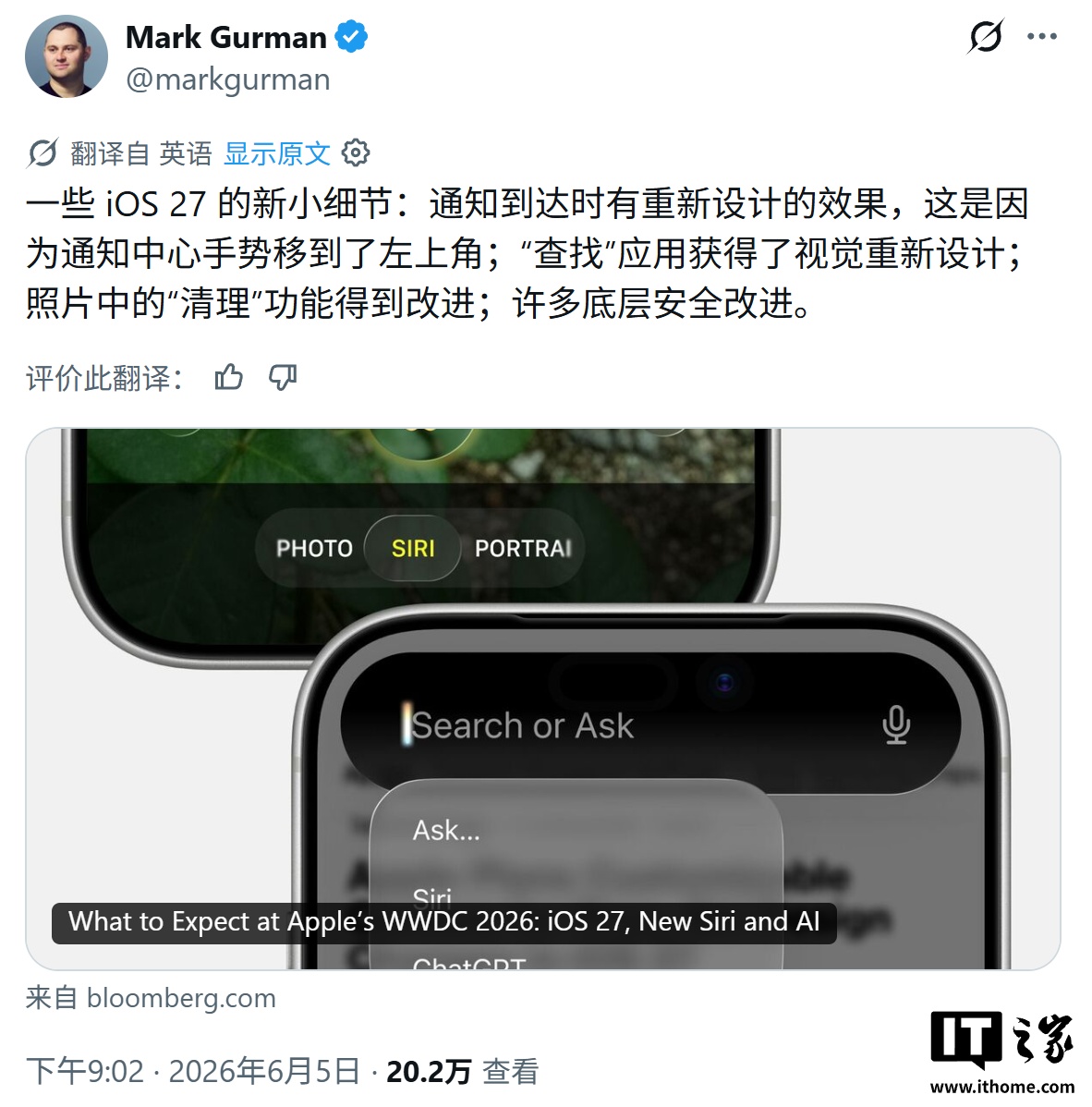
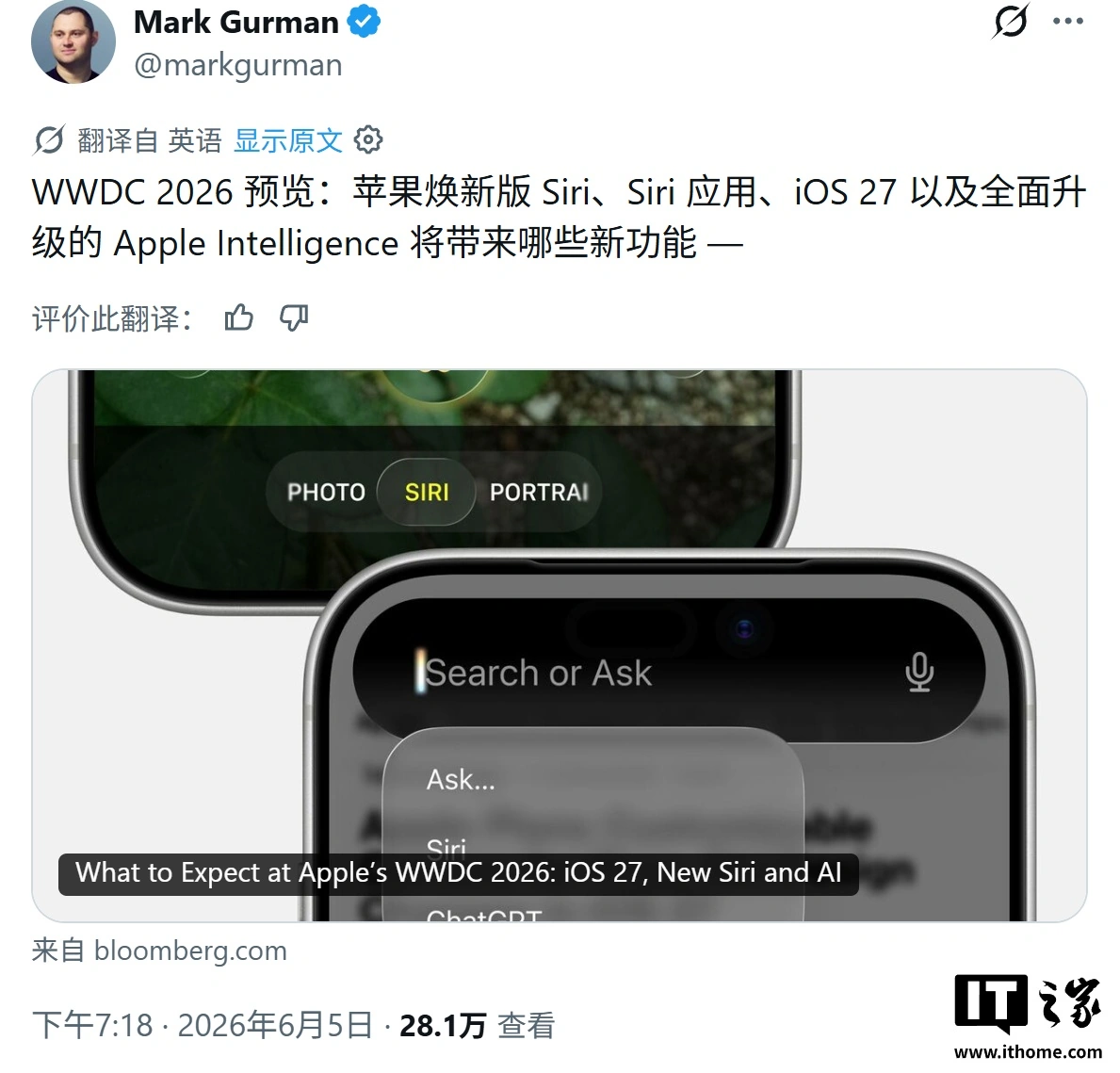
- 사용자가 화면 왼쪽에서 아래로 스와이프하면 알림 센터가 열리고, 화면 중앙에서 아래로 스와이프하면 검색 또는 Ask AI 패널이 열립니다.
총평
Apple iOS 27은 Siri 및 Apple Intelligence 기능 확장에 중점을 두며, Find My 앱의 시각적 개선과 사진 앱의 AI 기반 편집 기능 강화를 특징으로 합니다. 또한 새로운 시스템 인터페이스 애니메이션과 중앙 스와이프 제스처를 통한 검색/Ask AI 패널 접근 등 사용자 경험 개선도 포함될 예정입니다.
系统核心与AI能力
iOS 27 系统将重点聚焦于 Siri 和 Apple Intelligence 的技能拓展,并将 AI 能力深度融合至系统的界面、交互以及图片处理体验中。
Find My 应用更新
- Find My 应用将迎来视觉体验升级,包括底部导航标签栏图标等多个元素的更新。
Photos 应用增强
- 强化 Clean Up 功能,提升照片整理与修饰能力,旨在减少用户对第三方应用的依赖。
交互设计优化
- 为来电通知添加新的动画效果。
- 引入全新的滑动操作:从左侧下滑打开通知中心,从屏幕中部下滑则会打开搜索或 Ask AI 面板。
新功能研发动态
- Apple 正在测试基于自然语言提示的图片编辑功能,用户未来可能通过语音或文字指令(如“裁剪图片”或“调整颜色”)直接操作。
- 该项功能可能不会在 iOS 27 的首个版本中推出。
总结
iOS 27 将深度整合 Apple Intelligence 以强化 Siri 能力,并显著提升 Find My 和 Photos 等原生应用的交互与处理能力。此外,系统还将引入全新的滑动手势和基于自然语言的智能编辑功能。
導入
Bloombergのマーク・ガーマン(Mark Gurman)氏は、本日(6月6日)のブログ投稿を通じて、Apple iOS 27がもたらす様々な新機能を詳しくまとめました。
ガーマン氏の投稿によると、今回のiOS 27へのアップグレードは、主にSiriとApple Intelligence機能の拡張に重点を置いています。同時に、Appleは利用頻度の高い一部のシステムアプリを調整し、AI機能をインターフェース、インタラクション、および写真処理体験へと拡大する予定です。
Find My アプリ
- AppleはiOS 27において、Find Myアプリの視覚的な体験をアップグレードする予定です。
- 下部のナビゲーションタブバーのアイコンを含む、さまざまな要素が更新されます。
写真アプリ
- 写真アプリは「Clean Up」機能を強化し、写真の整理および補正機能を継続的に強化します。
- これにより、ユーザーはサードパーティ製アプリへの依存を減らし、システム標準アプリ内でより多くの画像処理を行うことが可能になります。
また、ガーマン氏はAppleが自然言語プロンプトに基づく写真編集機能をテスト中であると明らかにしました。ユーザーは今後、音声やテキストを通じてシステムに直接「写真をトリミング」または「色を調整」といった指示を与えることができ、写真アプリはその指示に従って編集を実行します。なお、この機能はiOS 27の初期バージョンには含まれない可能性があります。
システムインターフェース
- iOS 27では、着信通知に新しいアニメーション効果が追加されます。
- ユーザーが画面の左端から下にスワイプすると通知センターが開き、画面の中央から下にスワイプすると検索またはAsk AIパネルが開くようになります。
まとめ
Apple iOS 27はSiriおよびApple Intelligence機能の拡張に焦点を当て、Find Myアプリの視覚的な改善と写真アプリのAIベースの編集機能を強化します。さらに、新しくなるシステムインターフェースのアニメーションや、中央スワイプによる検索/Ask AIパネルへのアクセスなど、ユーザー体験の向上が盛り込まれる見込みです。
Introduction
Mark Gurman of Bloomberg detailed various new features coming to the iOS 27 system in a blog post published today (June 6).
According to Gurman's post, the iOS 27 update focuses primarily on expanding Siri and Apple Intelligence. Simultaneously, Apple plans to refine high-frequency system apps to integrate AI capabilities into interface design, interaction, and photo processing experiences.
Find My App
- Apple is set to upgrade the visual experience of the Find My app in iOS 27.
- Various elements, including icons on the bottom navigation bar, will be updated.
Photos App
- The Photos app will enhance its "Clean Up" feature to continuously improve photo organization and retouching capabilities.
- This allows users to reduce reliance on third-party apps by completing more image processing within the native system app.
Gurman also noted that Apple is testing natural language prompt-based photo editing features. Users will eventually be able to issue direct commands via voice or text, such as "crop this photo" or "adjust colors," and the Photos app will execute these instructions. This specific feature may not be included in the initial release of iOS 27.
System Interface
- iOS 27 will introduce new animation effects for incoming call notifications.
- Swiping down from the left side of the screen will open the Notification Center, while swiping down from the center of the screen will open a Search or Ask AI panel.
Summary
iOS 27 focuses on expanding Siri and Apple Intelligence while enhancing core system apps like Find My and Photos with AI-driven capabilities. The update also introduces improved UI animations and new gesture-based shortcuts for easier access to search and AI tools.