서론
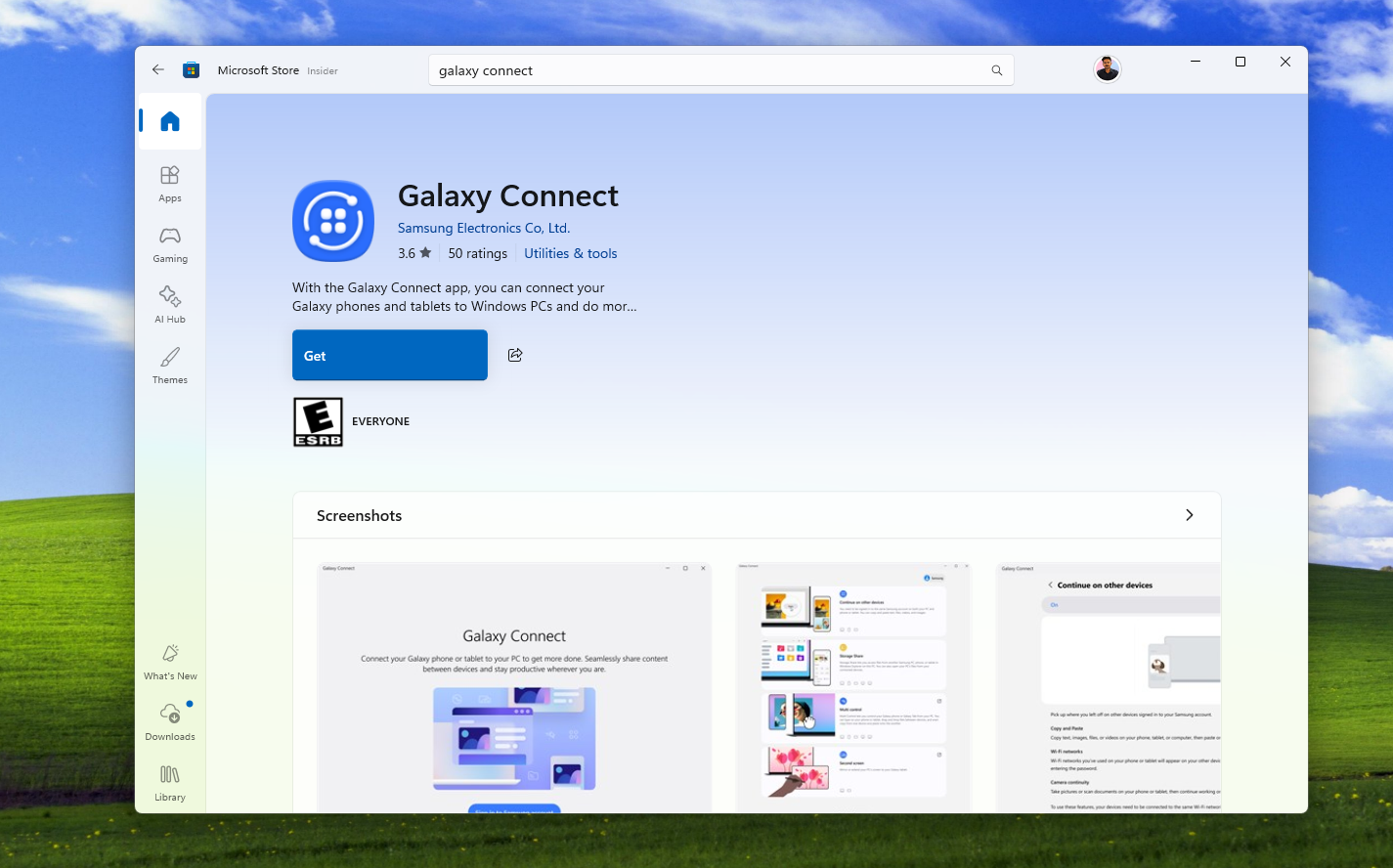
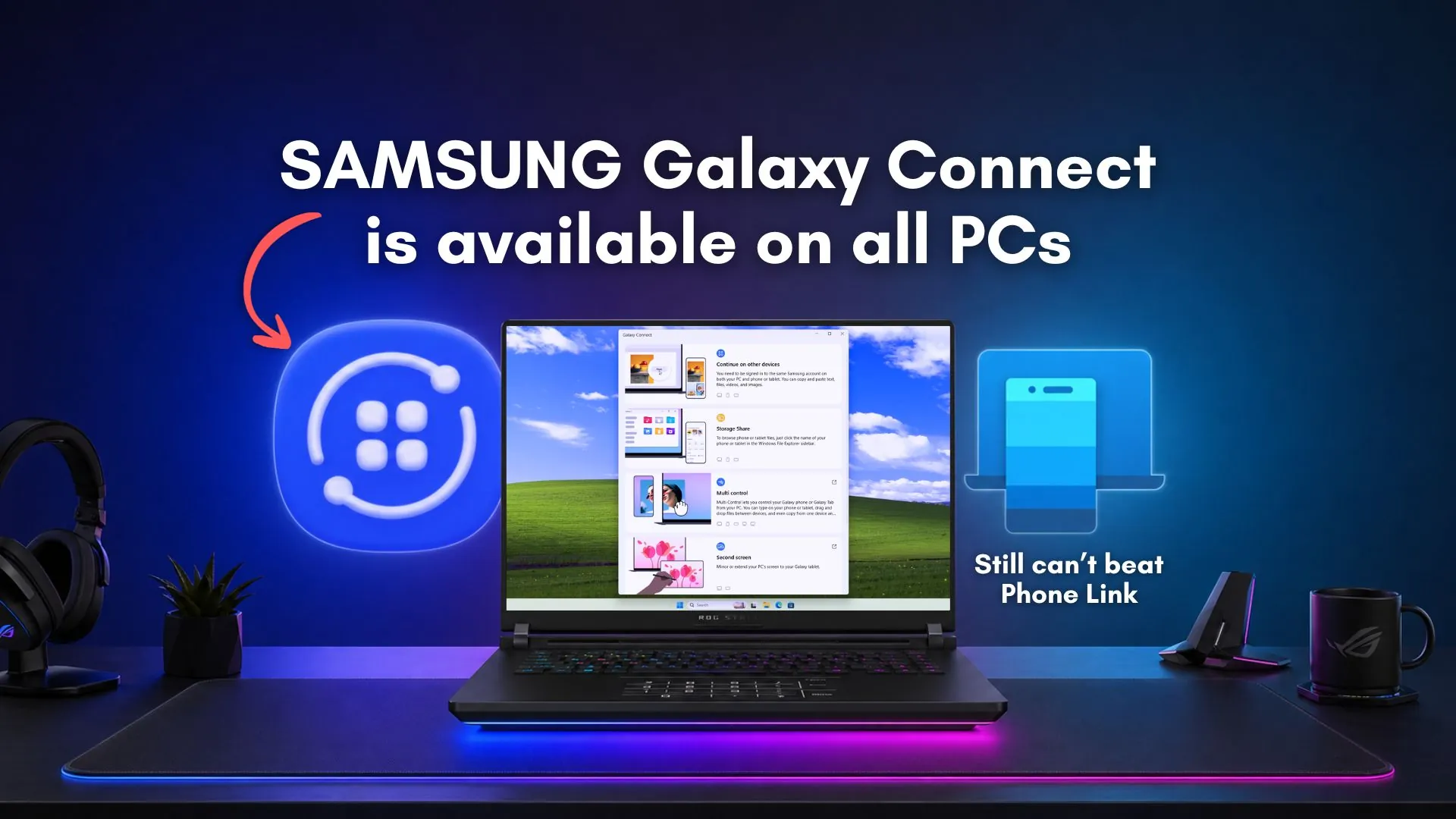
IT之家 4월 30일 소식, IT 매체 Windows Latest는 오늘(4월 30일) 블로그 게시물을 통해 Samsung이 이달 업데이트한 Galaxy Connect 앱을 테스트하고, 이 앱이 설정이 번거롭고 호환성이 제한적이며 Microsoft Phone Link를 대체할 주류 연결 솔루션이 되기 어렵다고 평가했습니다.
Galaxy Connect 업데이트 및 기능
Samsung은 이달 Galaxy Connect 앱을 업데이트하여 기존 Galaxy Book 노트북에만 국한되었던 생태계 장벽을 허물고 모든 Windows 11 PC에 개방했습니다.
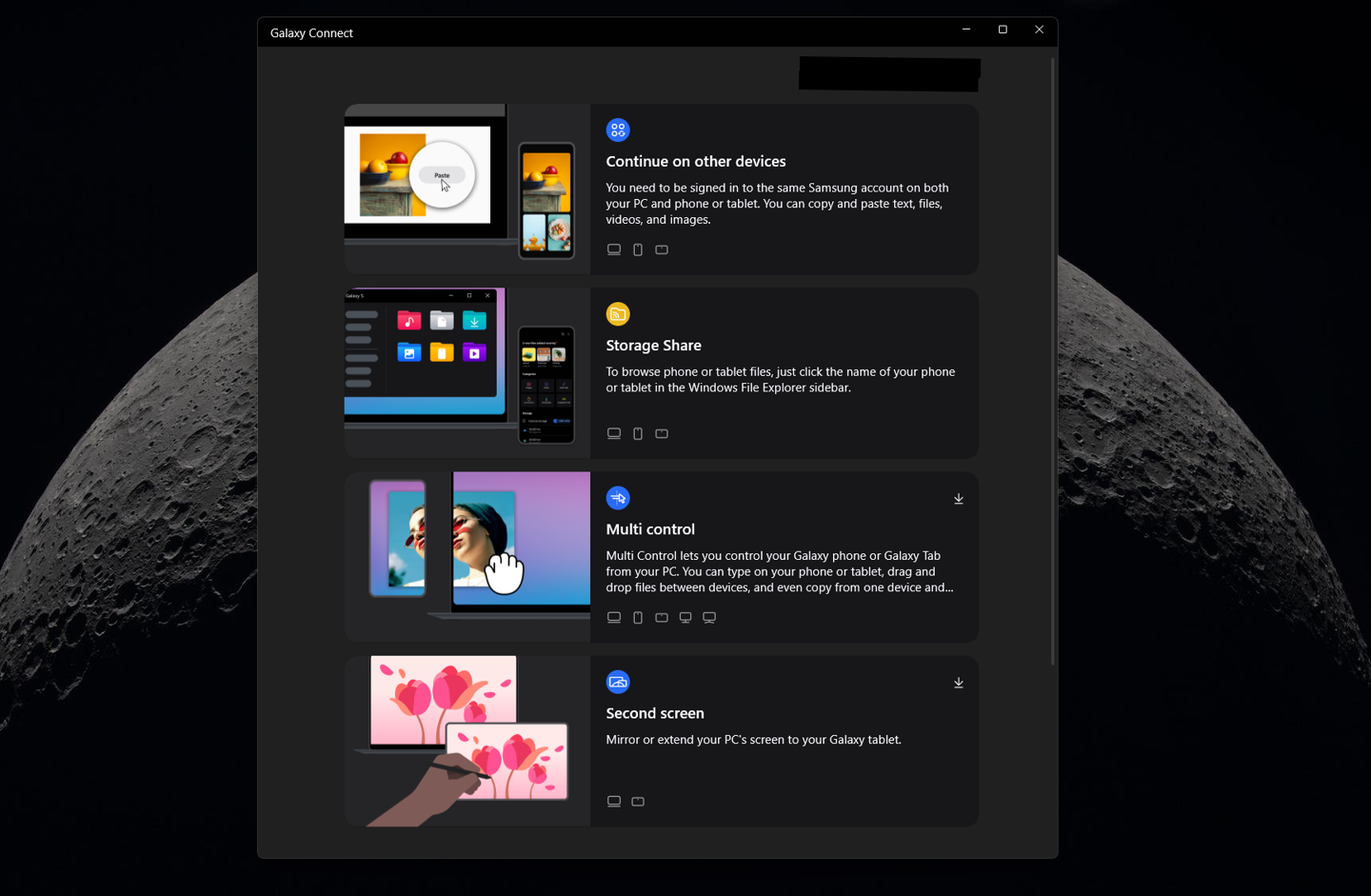
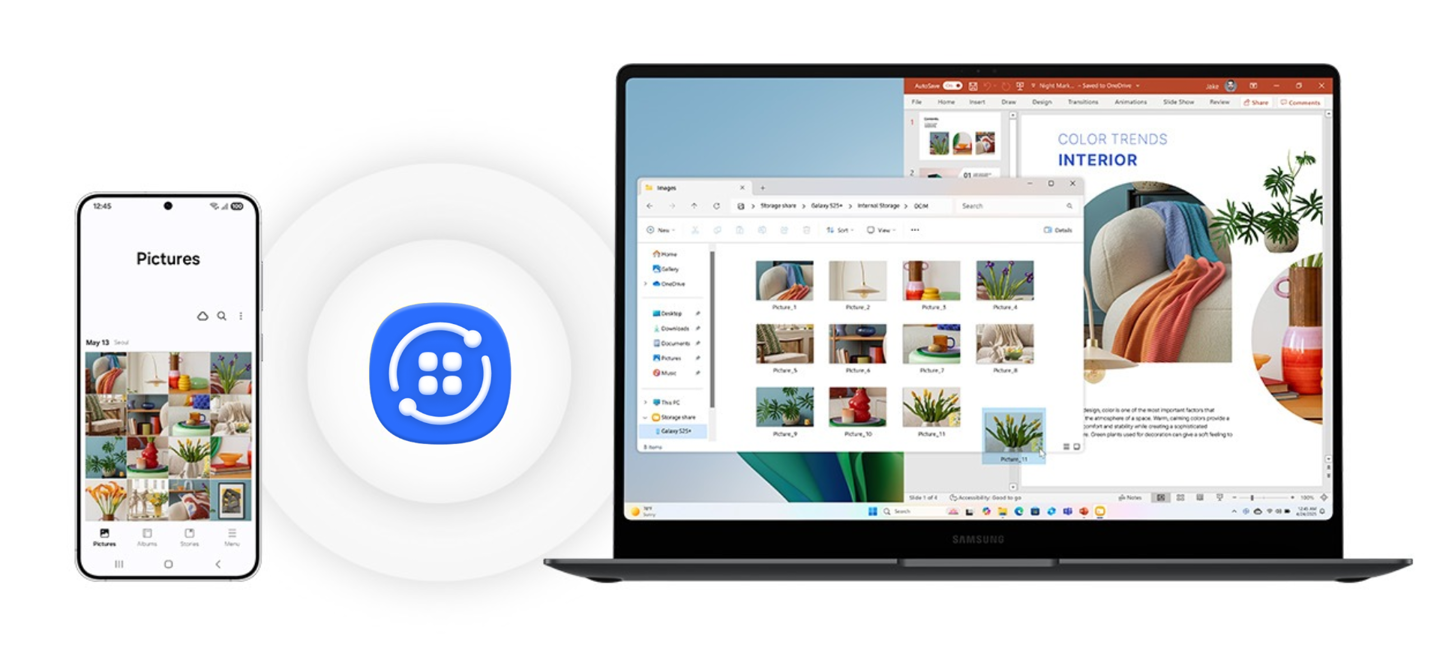
기능 면에서 이 앱은 기기 간 복사 및 붙여넣기, 파일 탐색기에서 직접 휴대폰 파일 탐색, PC 키보드 및 마우스로 휴대폰 제어 등을 지원합니다.
호환성 및 안정성 문제
해당 매체는 최신 버전 Galaxy Connect 앱을 테스트한 후, 이 앱이 호환성과 안정성 면에서 명확한 단점을 가지고 있다고 평가했습니다. 호환성 면에서는 x64 아키텍처 PC만 지원하며, Intel Bluetooth 및 Wi-Fi 드라이버 버전에 엄격한 제한이 있고, ARM 기기는 지원하지 않습니다.
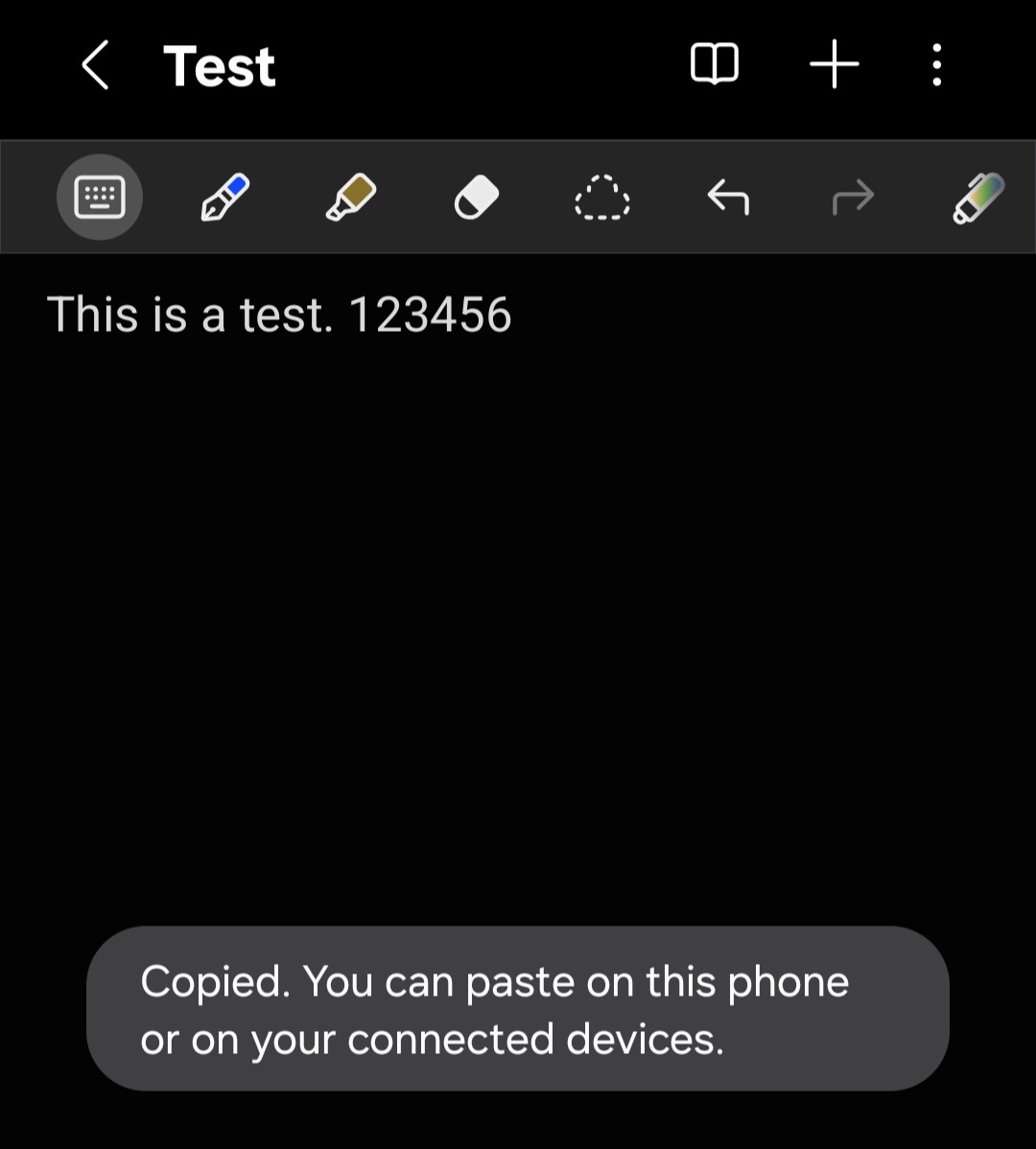
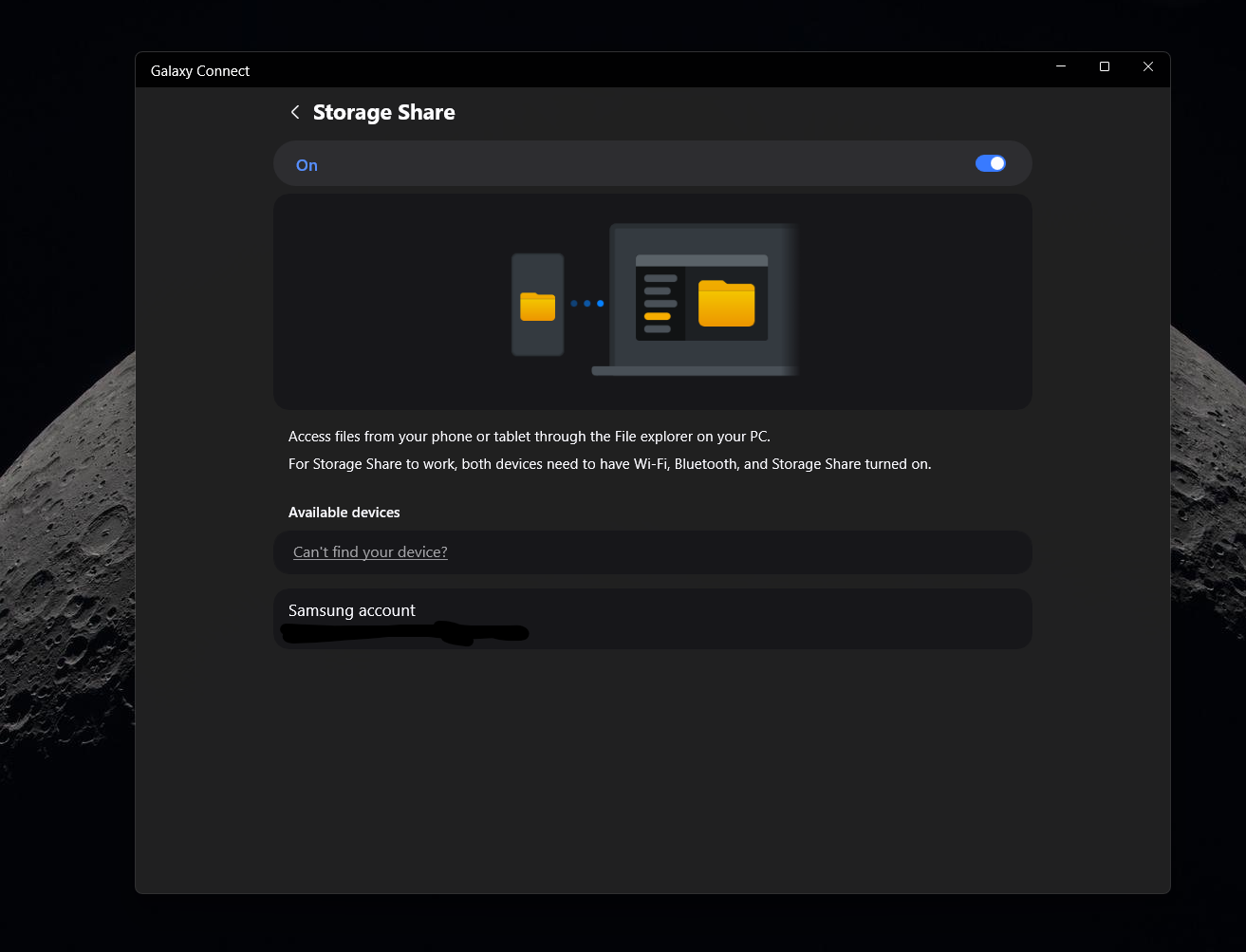
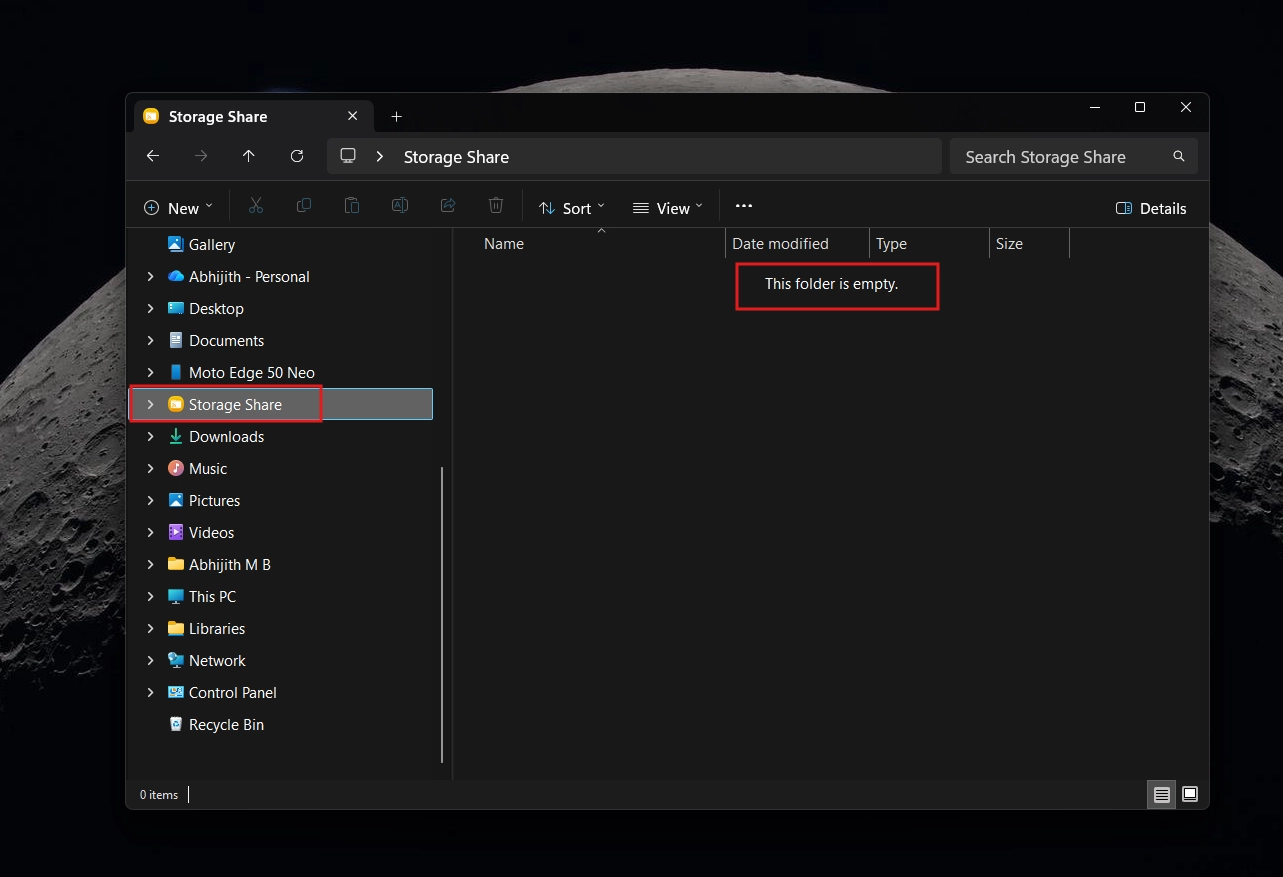
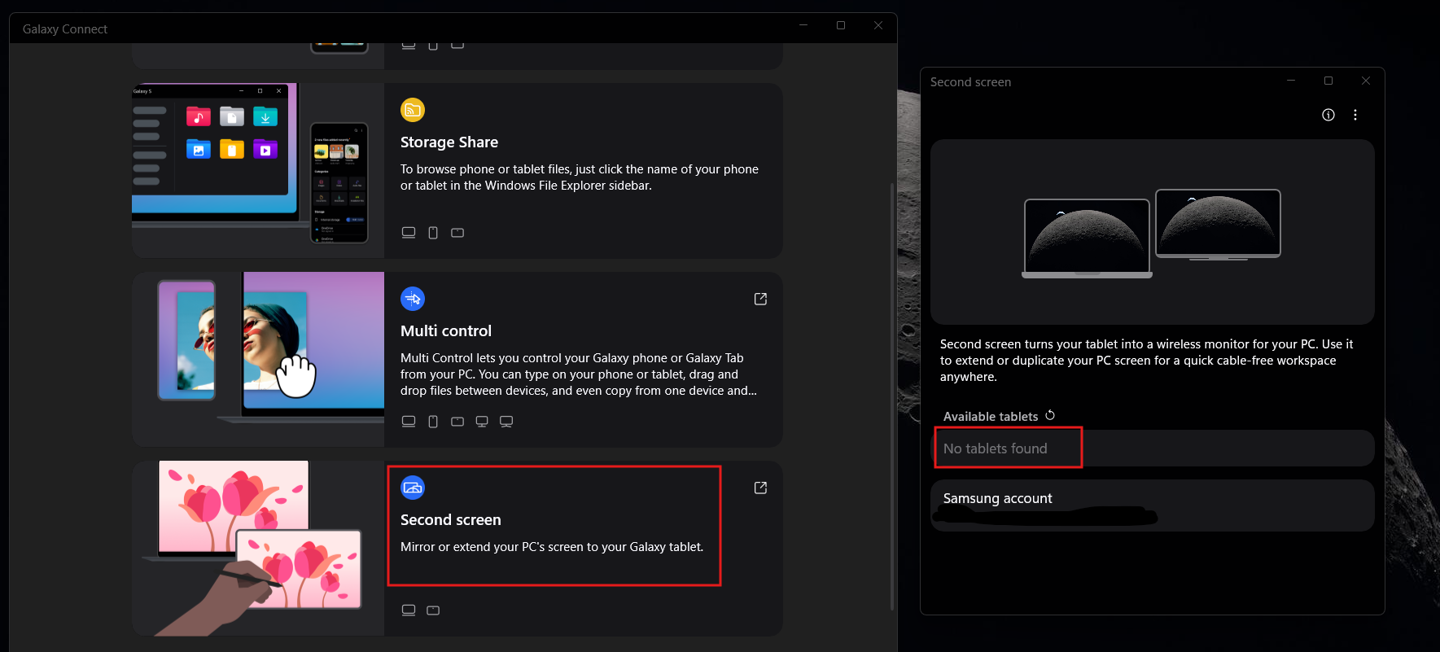
안정성 면에서는 이 앱의 성능이 "4월 날씨처럼 불안정하다"고 평가했습니다. Samsung Account에 기기가 연결된 것으로 표시되더라도 기기 간 붙여넣기 기능이 자주 실패하고, 저장 공간 공유 기능은 기기를 인식하지 못하는 경우가 많았습니다.
Microsoft Phone Link와의 비교
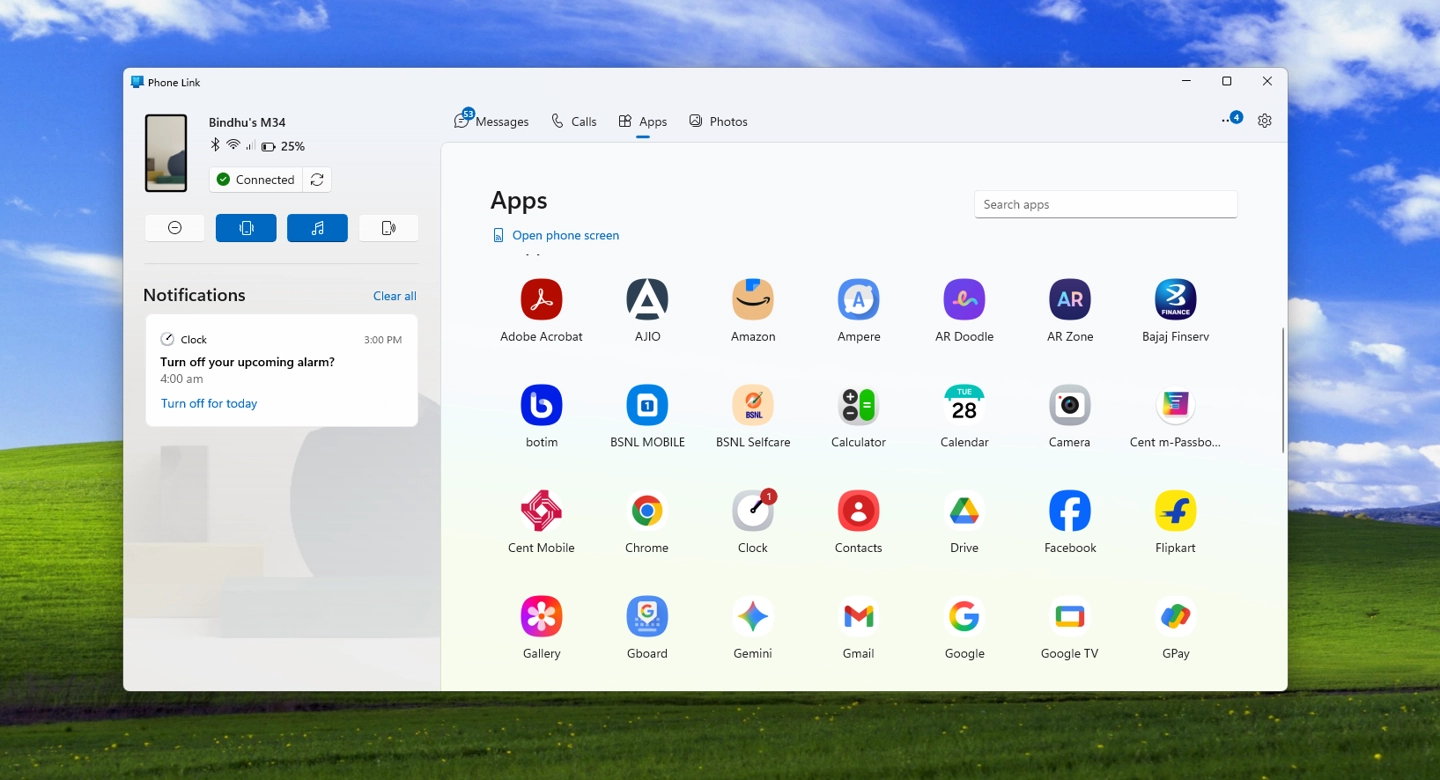
반면 Microsoft Phone Link 솔루션은 사전 설치 이점과 깊은 통합을 통해 사용자에게 더 완벽한 솔루션을 제공한다고 평가했습니다. 이는 기기 간 복사 및 붙여넣기, 파일 액세스를 완벽하게 지원할 뿐만 아니라 알림 동기화, 미디어 제어, 통화 및 문자 메시지, 휴대폰 화면 미러링 기능도 갖추고 있습니다.
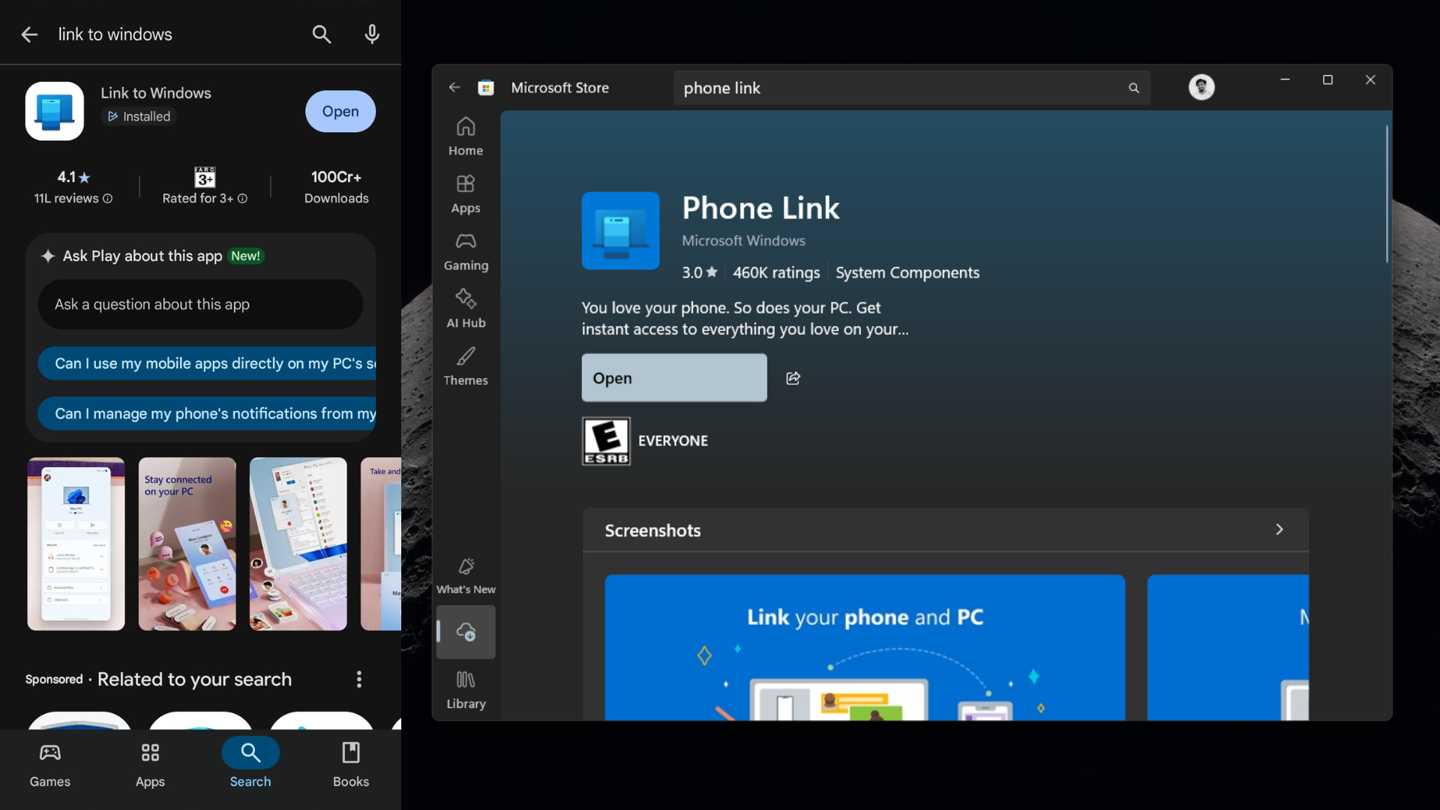
Phone Link는 Windows 11 모바일 기기 페이지 통합을 통해 휴대폰 카메라를 PC 웹캠으로 사용하거나 기기 간 작업 연속성까지 지원합니다. Phone Link의 "Windows와 연결" 휴대폰 앱은 원격 잠금 화면, 파일 전송 등 역방향 제어 기능도 지원하는데, 이 모든 것이 Galaxy Connect에는 없는 기능입니다.
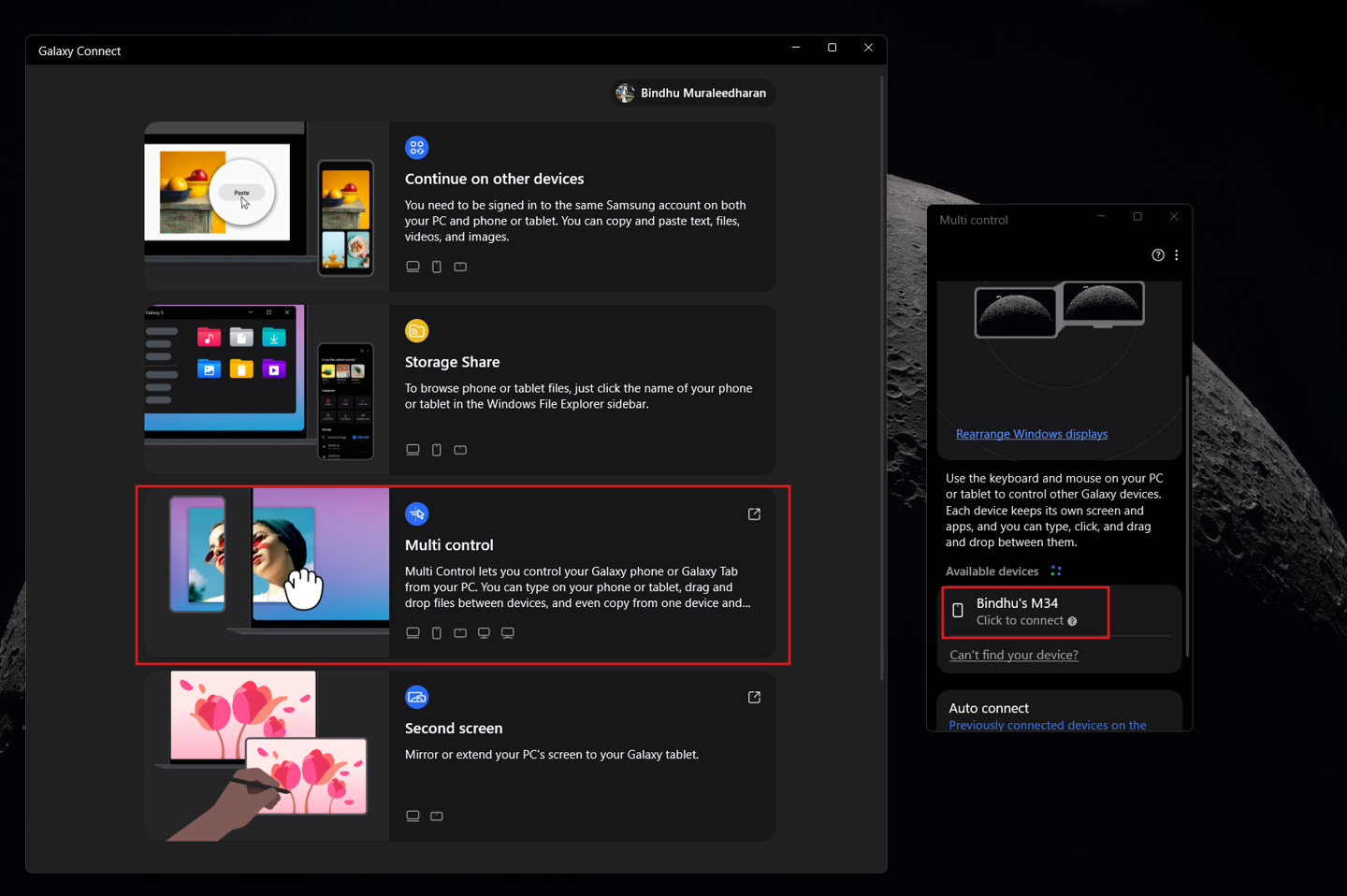
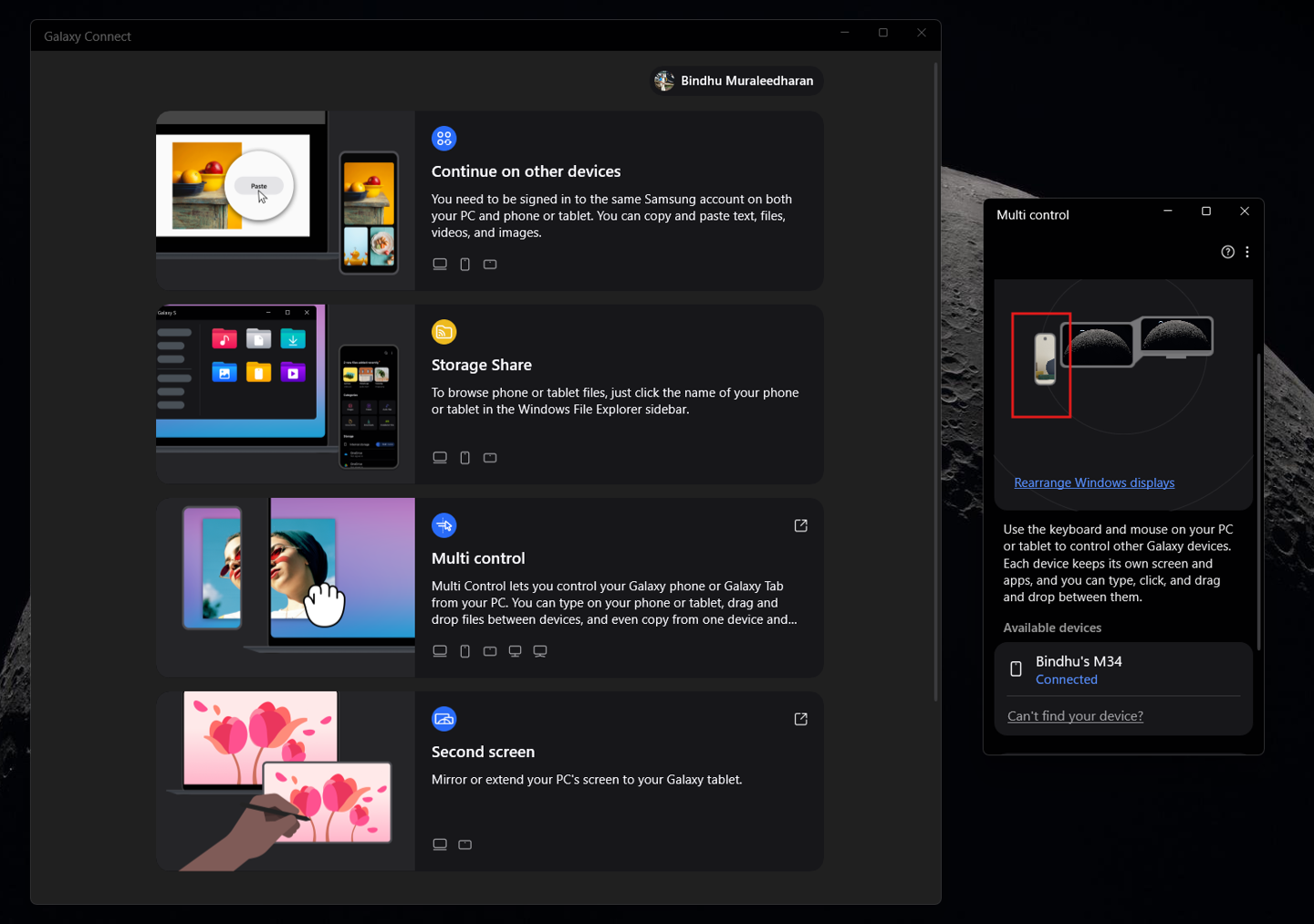
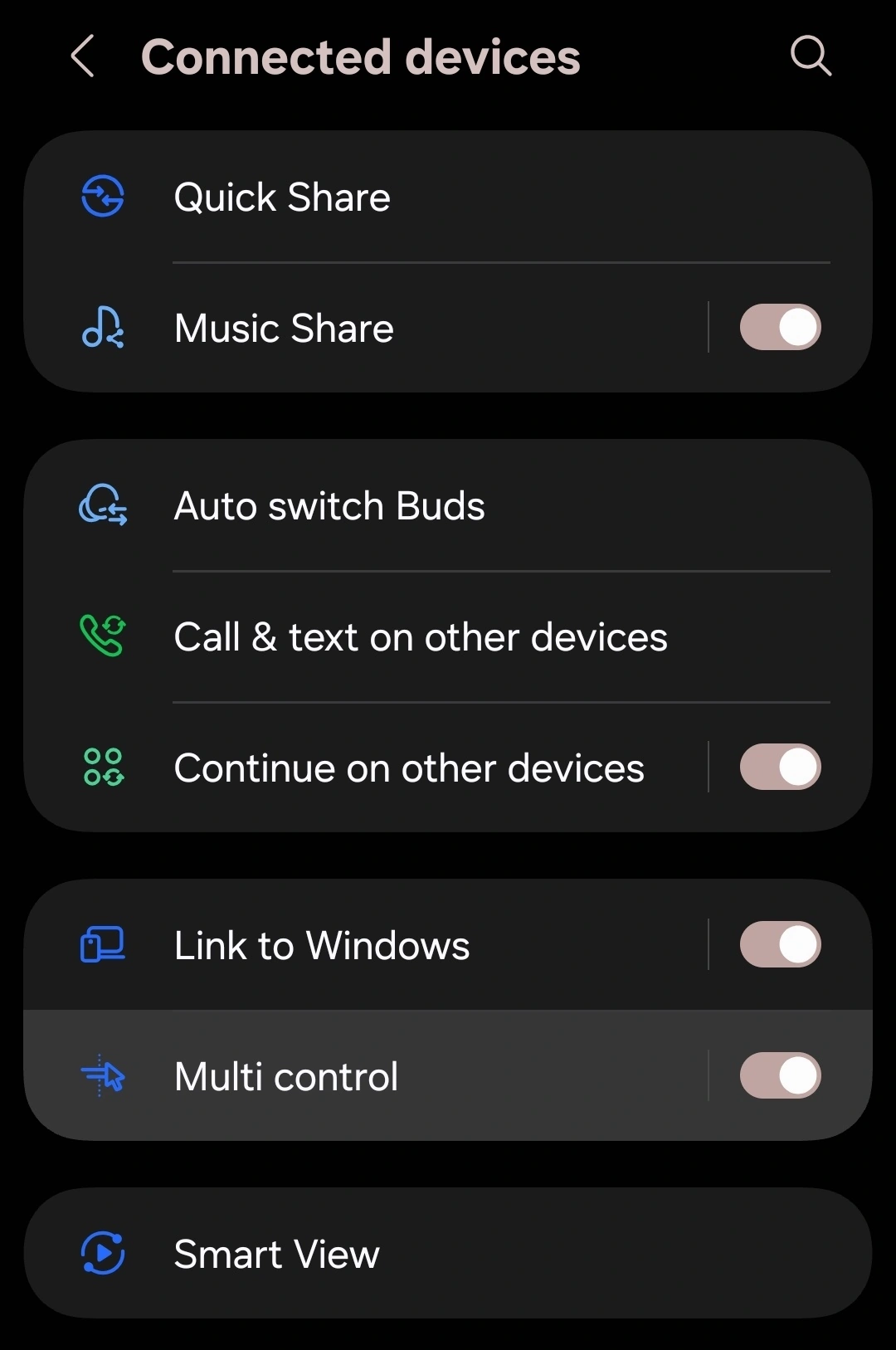
해당 매체는 Galaxy Connect의 유일한 차별화된 장점이 "멀티 컨트롤" 기능으로, PC 마우스가 화면을 넘어 직접 휴대폰을 제어할 수 있다는 점이라고 지적했습니다. 그러나 Phone Link의 화면 미러링 기능은 이미 PC 키보드와 마우스를 통해 간접적으로 휴대폰을 조작할 수 있어 이러한 장점은 미미하게 느껴집니다.
사용자 경험
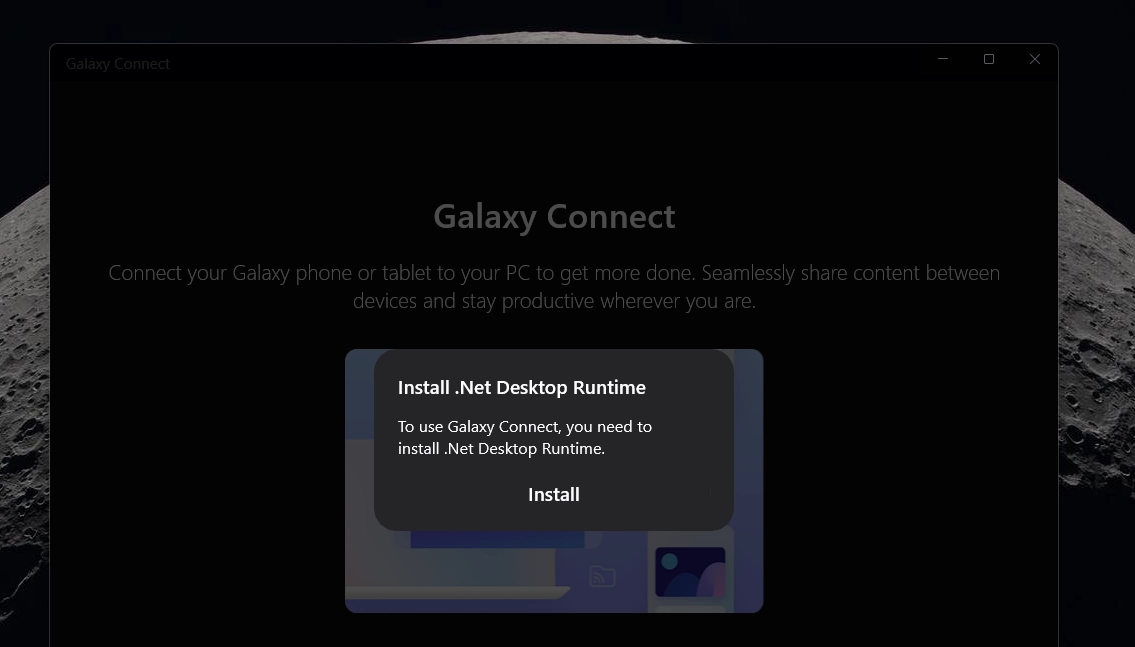
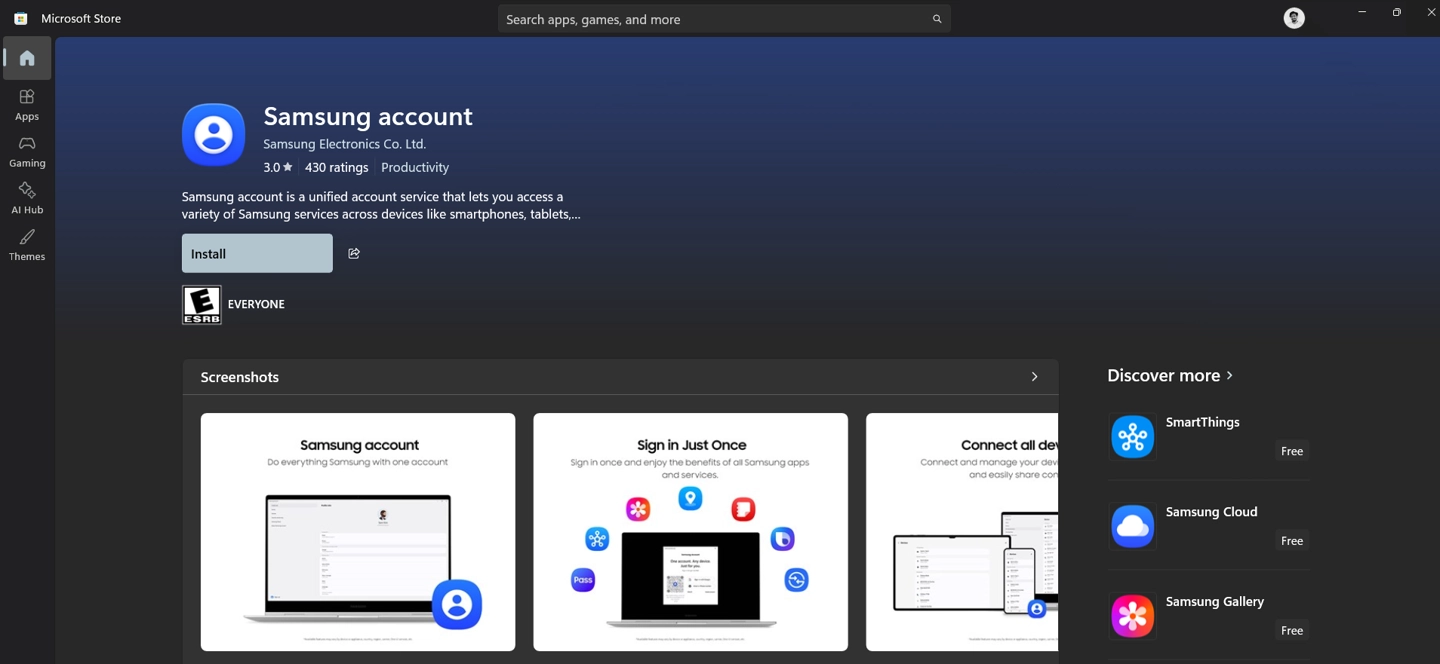
또한 Galaxy Connect는 여러 앱을 추가로 다운로드해야 하고 안내가 부족하여 사용자 경험이 Microsoft의 원스톱 솔루션보다 훨씬 떨어집니다. 테스트 결론은 사용자가 "멀티 컨트롤"에 대한 특별한 요구 사항이 없는 한 Galaxy Connect가 Phone Link를 대체하기 어렵다는 것입니다.
총평
Samsung Galaxy Connect 앱은 최근 업데이트를 통해 모든 Windows 11 PC로 지원을 확대했지만, 호환성 및 안정성 문제와 복잡한 설정으로 인해 사용자 경험이 좋지 않습니다. 반면 Microsoft Phone Link는 사전 설치와 깊은 통합을 통해 더 포괄적인 기능을 제공하며, Galaxy Connect의 유일한 차별점인 "멀티 컨트롤" 기능조차 Phone Link의 화면 미러링으로 대체 가능합니다. 따라서 특별한 요구 사항이 없다면 Galaxy Connect는 Phone Link의 대안이 되기 어렵습니다.
产品更新与范围
Samsung 本月更新了 Galaxy Connect 应用,打破了此前仅限 Galaxy Book 系列的生态壁垒,现已向所有 Windows 11 电脑开放。
功能特性概览
- 支持跨设备复制粘贴。
- 允许在资源管理器中直接浏览手机文件。
- 支持通过 PC 端键鼠控制移动设备。
技术兼容性限制
该应用在硬件适配方面存在明显门槛:
- 仅支持 x64 架构 PC,不支持 ARM 设备。
- 对 Intel 蓝牙和 Wi-Fi 驱动版本有严格要求。
系统稳定性表现
测试显示 Galaxy Connect 在实际使用中不够稳定且用户体验欠佳:
- 跨设备粘贴功能常出现失效情况,存储共享功能也可能无法识别设备。
- 缺乏引导提示,且需要额外下载多个应用,不如一站式方案便捷。
竞品对比分析
相比之下,微软的 Phone Link 凭借预装优势和深度集成更具竞争力:
- Phone Link 支持通知同步、媒体控制、通话短信及手机屏幕镜像。
- 支持将手机摄像头作为 PC 网络摄像头以及跨设备任务接续。
- Galaxy Connect 的“多控制”功能在 Phone Link 强大的屏幕镜像面前,其差异化优势并不显著。
总结
Samsung 更新的 Galaxy Connect 虽然提供了跨设备协作等核心功能并放宽了硬件限制,但因兼容性要求严苛、稳定性不足且缺乏系统级深度集成,目前难以撼动微软 Phone Link 的地位。除非用户有特定“多控制”需求,否则 Phone Link 仍是 Windows 环境下更成熟的一站式连接方案。
はじめに
ITメディア「Windows Latest」は4月30日のブログ投稿において、Samsungが今月アップデートしたGalaxy Connectアプリをテストした結果を発表しました。同メディアは、このアプリの設定が煩雑で互換性が限定的であり、Microsoft Phone Linkに代わる主流の接続ソリューションになるのは難しいと評価しています。
Galaxy Connectのアップデートと機能
Samsungは今月、Galaxy Connectアプリを更新し、これまでGalaxy BookノートPCに限定されていたエコシステムの壁を取り払い、すべてのWindows 11 PCで利用可能にしました。
機能面では、このアプリはデバイス間でのコピー&ペスト、エクスプローラーからの直接的なスマートフォンファイルの閲覧、およびPCのキーボードやマウスを使用したスマートフォンの操作などをサポートしています。
互換性と安定性の問題
当該メディアは最新バージョンのGalaxy Connectをテストした結果、このアプリが互換性と安定性の面で明確な欠点を持っていると評価しました。互換性に関しては以下の制限があります。
- x64アーキテクチャのPCのみをサポート
- Intel BluetoothおよびWi-Fiドライバーのバージョンに厳格な制限がある
- ARMデバイスは非対応
安定性の面では、このアプリのパフォーマンスは「不安定」であると評価されています。Samsungアカウントにデバイスが接続されていると表示されても、デバイス間のコピー&ペスト機能が頻繁に失敗したり、ストレージ共有機能がデバイスを認識できないケースが多く見られました。
Microsoft Phone Linkとの比較
一方、Microsoft Phone Linkソリューションは、プリインストールの利点と深い統合により、ユーザーにより完璧なソリューションを提供していると評価されています。Phone Linkはデバイス間のコピー&ペسطやファイルアクセスを完全にサポートするだけでなく、通知の同期、メディアの制御、通話およびメッセージ、スマートフォンの画面ミラーリング機能も備えています。
また、Phone LinkはWindows 11のモバイルデバイスページ統合を通じて、スマートフォンカメラをPCのウェブカメラとして使用したり、デバイス間での作業の継続性をサポートしたりします。さらに、「Windowsにリンク」アプリではリモートロック画面やファイル転送などの逆方向制御機能もサポートされていますが、これらはすべてGalaxy Connectには備わっていない機能です。
当該メディアは、Galaxy Connectの唯一の差別化された利点は「マルチコントロール」機能であり、PCのマウスが画面を越えて直接スマートフォンを操作できる点であると指摘しました。しかし、Phone Linkの画面ミラーリング機能によってもPCのキーボードやマウスを通じて間接的にスマートフォンを操作できるため、この利点は限定的であると感じられます。
ユーザー体験
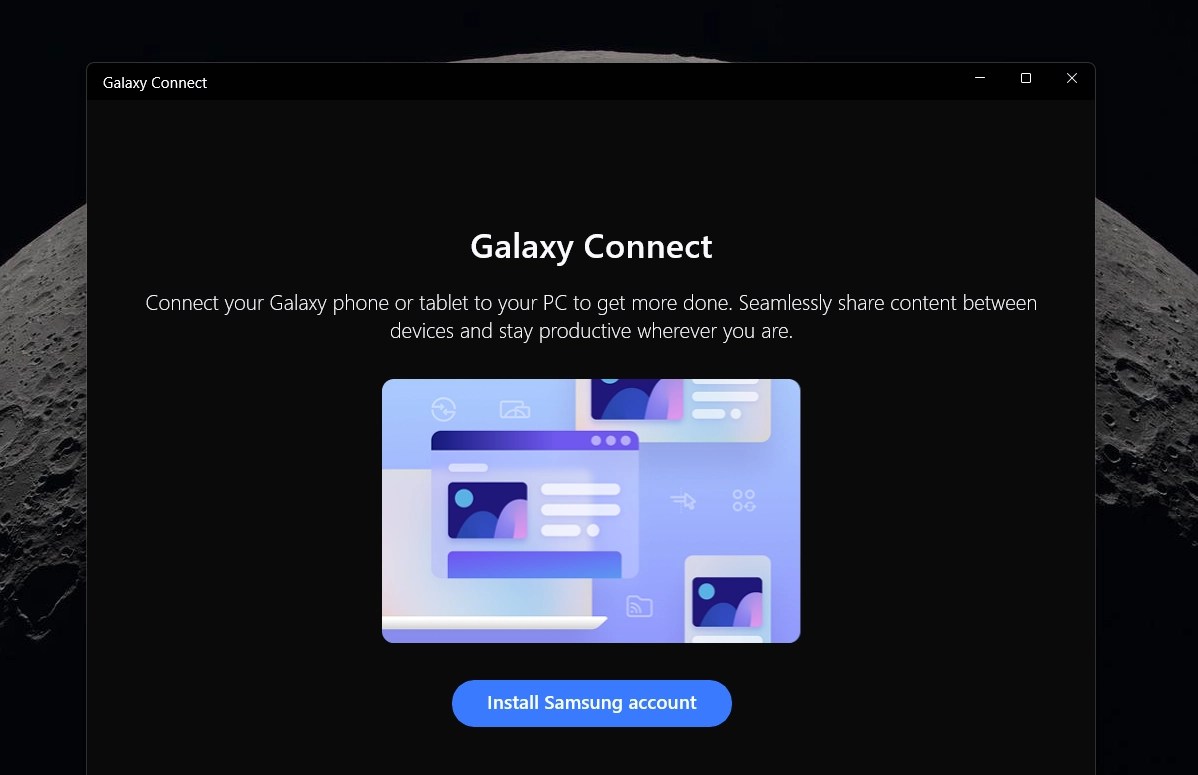
さらに、Galaxy Connectは複数の追加アプリをダウンロードする必要があり、案内も不足しているため、Microsoftのワンストップソリューションと比較してユーザー体験が大幅に劣ります。テストの結論として、ユーザーに「マルチコントロール」に対する特別な要求がない限り、Galaxy ConnectがPhone Linkを代替することは困難であるとされています。
まとめ
SamsungのGalaxy ConnectはWindows 11 PCへの対応拡大を発表したものの、互換性や安定性の問題、複雑な設定によりユーザー体験が十分ではありません。一方、Microsoft Phone Linkは高度な統合と豊富な機能を備えており、特定の「マルチコントロール」機能が必要でない限り、Phone Linkに代わる有力な選択肢にはなり得ないという評価です。
Introduction
According to a report from IT Home on April 30, the tech outlet Windows Latest tested Samsung's updated Galaxy Connect app. The review concluded that due to its cumbersome setup and limited compatibility, the app is unlikely to become a mainstream alternative to Microsoft Phone Link.
Galaxy Connect Update and Features
Samsung updated the Galaxy Connect app this month to break down ecosystem barriers, expanding support from only Galaxy Book laptops to all Windows 11 PCs.
In terms of functionality, the app supports:
- Cross-device copy and paste.
- Directly browsing mobile files within File Explorer.
- Controlling the phone using a PC keyboard and mouse.
Compatibility and Stability Issues
After testing the latest version of Galaxy Connect, the outlet identified clear drawbacks regarding compatibility and stability. Regarding compatibility:
- Only x64 architecture PCs are supported.
- There are strict requirements for Intel Bluetooth and Wi-Fi driver versions.
- ARM devices are not supported.
Regarding stability, the app's performance was described as "unstable." Even when a device is shown as connected via a Samsung Account, the cross-device copy/paste feature often fails, and the shared storage function frequently fails to recognize the device.
Comparison with Microsoft Phone Link
In contrast, the Microsoft Phone Link solution provides a more seamless experience through its pre-installed status and deep integration. It supports not only cross-device copy/paste and file access but also notification synchronization, media control, calls, text messages, and phone screen mirroring.
Phone Link integrates with the "Mobile devices" page in Windows 11, allowing users to use their phone's camera as a PC webcam or maintain task continuity across devices. Additionally, the "Link to Windows" app supports reverse control features such as remote lock screens and file transfers—features that are missing from Galaxy Connect.
The outlet noted that the only unique advantage of Galaxy Connect is its "Multi Control" feature, which allows a PC mouse to move across the screen to control the phone directly. However, since Phone Link's screen mirroring already allows for interaction via keyboard and mouse, this advantage is considered minimal.
User Experience
Furthermore, Galaxy Connect requires the installation of several additional apps and lacks sufficient guidance, resulting in a much lower user experience compared to Microsoft's "one-stop" solution. The test concluded that unless a user has a specific requirement for "Multi Control," it is difficult for Galaxy Connect to replace Phone Link.
Overall Review
While the Samsung Galaxy Connect app expanded its support to all Windows 11 PCs with its recent update, it suffers from poor user experience due to compatibility issues, stability problems, and complex setup. Microsoft Phone Link remains a more comprehensive solution through its pre-installation and deep integration. Unless there is a specific need for "Multi Control," Galaxy Connect is unlikely to serve as a viable alternative to Phone Link.
Summary
Samsung's updated Galaxy Connect offers expanded Windows 11 support but faces significant hurdles in stability and compatibility compared to Microsoft Phone Link. While it includes unique features like Multi Control, the overall integration and ease of use favor Microsoft's pre-installed solution for most users.